71
Button Control in Log Mode -
• The Advance (Front) button is used to access a specific
dive's Log.
• The Select (Side) button is used to view the second and
third screens (Nitrogen and Oxygen related data) for that
dive.
• To return to Surface Mode at any time while in Log
Mode, press Both buttons simultaneously for 2 seconds.
• The unit will automatically revert to Surface Mode after 2
minutes if no button is pressed while in the Log Mode.
HINT: To bypass a dive's Log and search for another
in the sequence, press the Advance button repeat-
edly. Do not press the Select button until you find
the dive Log you wish to view. Dives are identified
by the Date/Time started and 'number' for that day.
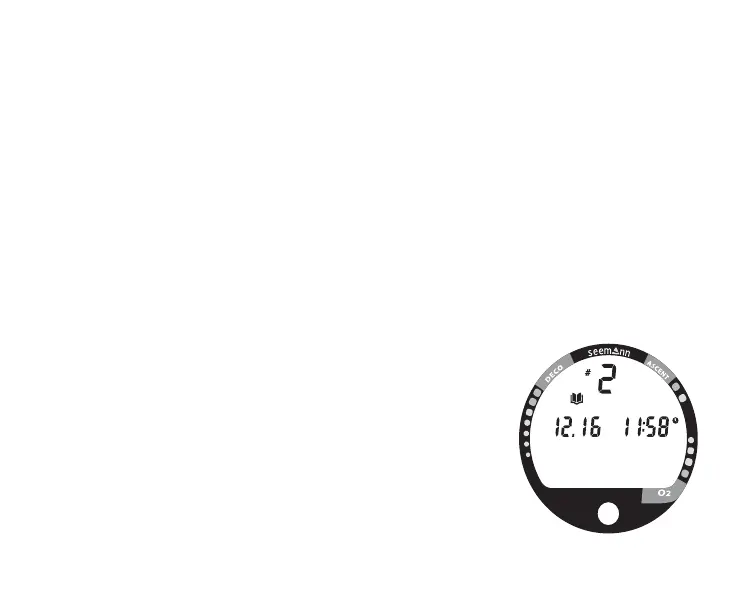
To access the Log Mode and view the First Screen
(Fig. 67) -
• press the Advance (Front) button 4 times (while in
Surface Mode)
• the first screen of the most recent dive will appear dis-
playing -
• the Log Mode icon
• Dive Number
• Date/Time of Day that the dive started
Fig. 67 - Log (1st screen)



 To Next Page