47
ASTRON 8X53 GPS SOLAR
TROUBLESHOOTING
CONTENTS
7
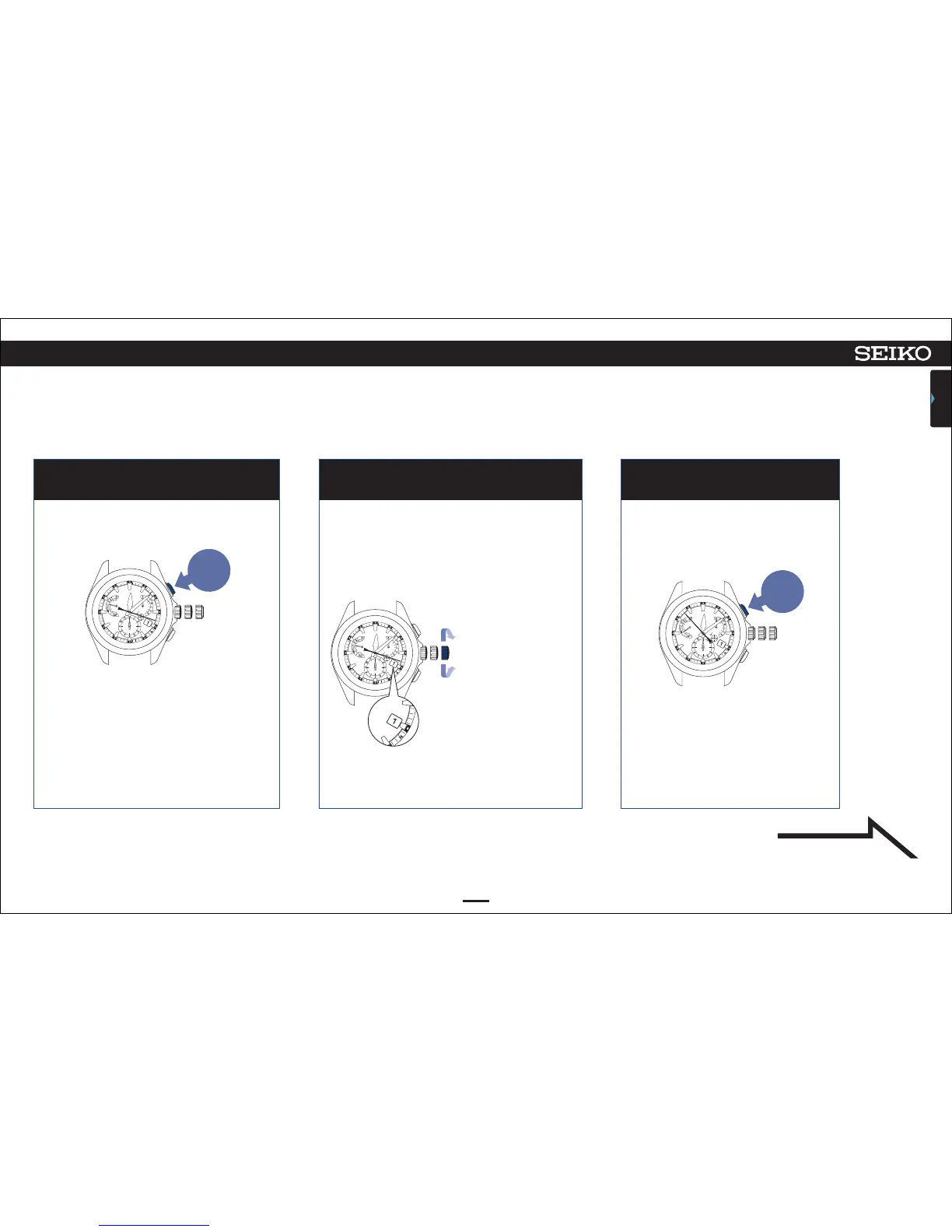
Press Button A and then release it. Rotate the crown to set the date to “1.” Press Button A and then release it.
6 7 8
Adjust the date so that the position of “1” will
locate at the center of the window.
If “1” is displayed, go to operation of ⑧.
The watch enters the mode to adjust
the preliminary position of the
indicator hand.
During movement of the date, the buttons
cannot be operated.
The watch enters the mode to adjust the
preliminary position of the date.
The second hand stops at the
53-second position.
Turn the crown quickly to
move it continuously. Turn
the crown again to stop.
Turn the crown clockwise to
advance 1 step.
Turn the crown
counterclockwise to set back
1 step.
Continued on the
following page
Press and
then
release
Press and
then
release



 To Next Page