69
68
Memory
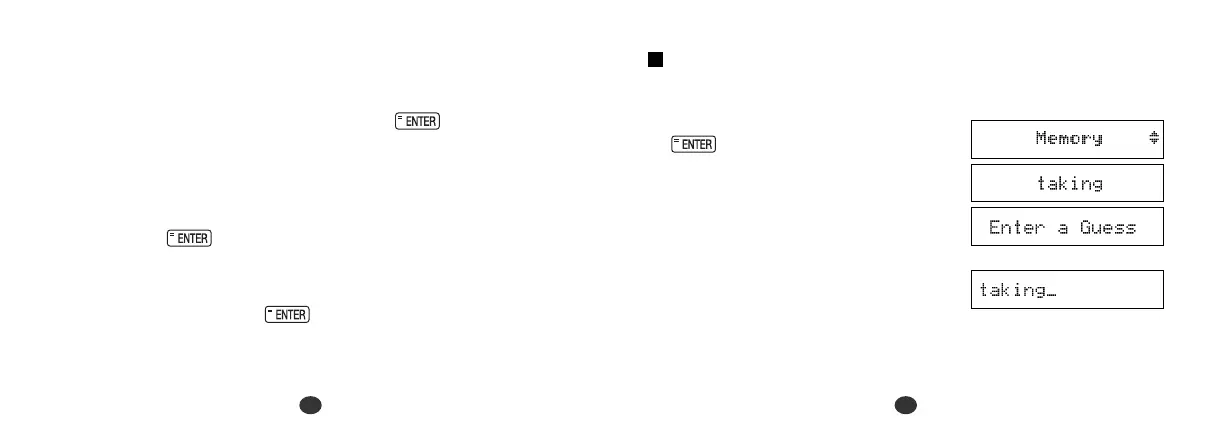
Correctly enter the spelling of a word which is momentarily displayed.
1 Select “Memory” and then press
.
The word will be displayed for about
one second.
Example: taking
2 Enter the spelling of the word which
has just disappeared from the screen.
*When you enter one of the letters used in the mystery word, the
question mark will be replaced by the letter and the number shown
at the left of “/ ” will be increased.
* All the letters will be displayed if you press .
* If the complete spelling of the mystery word is entered within the
allocated time, a congratulatory message will be displayed and
counted in the “Won” column.
* If you fail to find the word before you have used up all your tries, or
if you press half way through a game, “Sorry, you lost.”
will be displayed and counted in the “Lost ” column. Then the
answer will be displayed.
* Press any alphabet key or to display the next question.


 To Next Page