93
92
Help function
An explanation of how to operate the various functions is simply
explained on the screen at each operational stage in each mode.
Example:
1 Press .
2 Press .
The help explanation is displayed
automatically.
*You can return to the previous screen by pressing any of the keys.
...
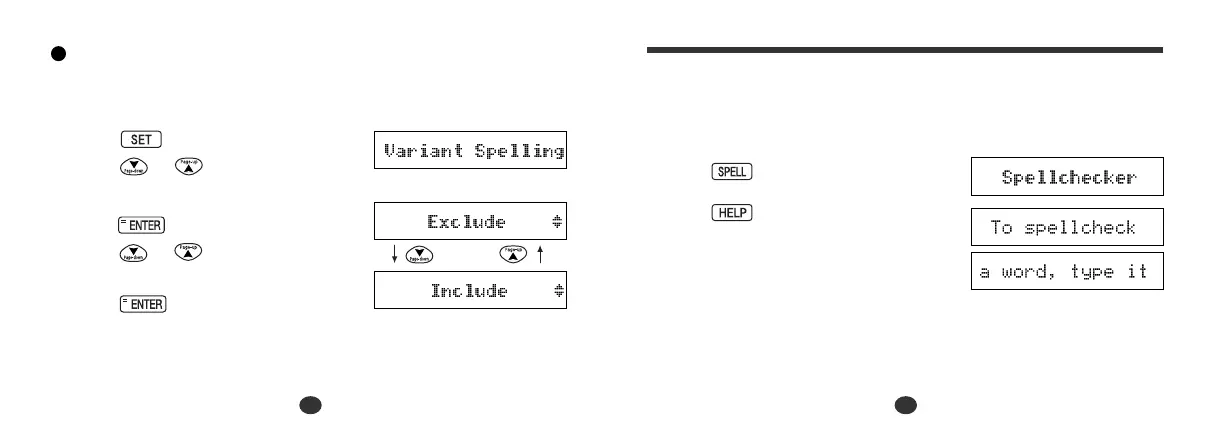
Variant Spelling
You can check the variant spelling words when using the spellchecker
mode
.
1 Press .
Press or to select “Variant
Spelling”.
2 Press .
Press or to select “Exclude”
or “Include”.
3 Press to set it.


 To Next Page