77
76
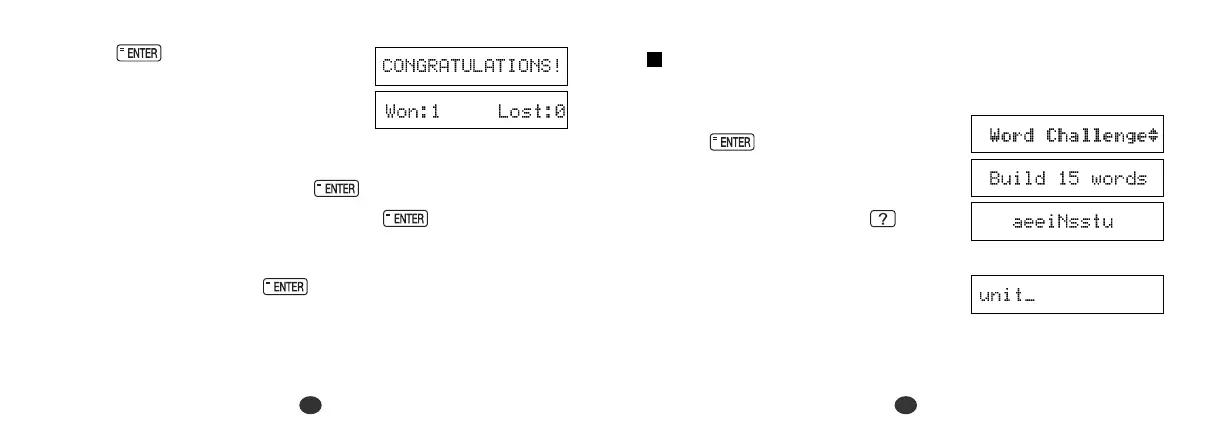
Word Challenge
Use some or all of the letters displayed to make new words.
1 Select “
Word Challenge
” and then
press .
The selected letters and the number of
answers will be displayed.
*To shuffle the letters, press .
2 Enter a word using over 3 of the
displayed letter.
Make sure your word always includes
the capitalised letter.
Example: unit
3 Press .
If your answer is correct, a congratu-
latory message will be displayed and
counted in the “Won” column.
*To give up entering letters, press .
*If your answer is incorrect, or if you press , “One Answer
. . . ” appears, then a correct solution and your current score will
appear on the screen.
* Press any alphabet key or to display the next question.


 To Next Page