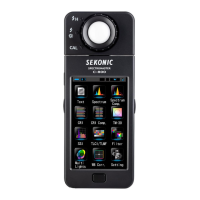
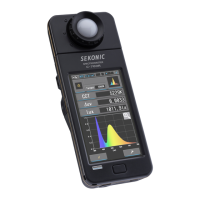
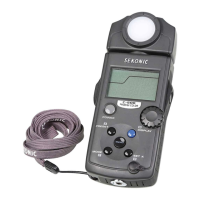
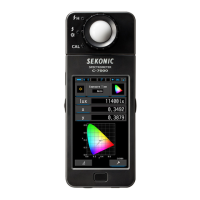
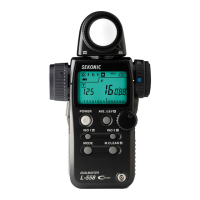
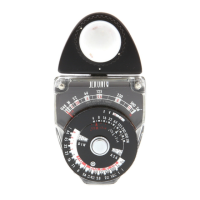
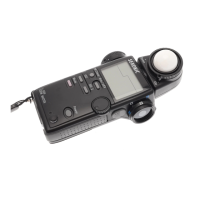
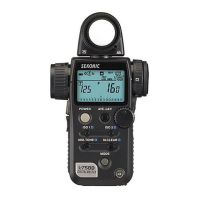
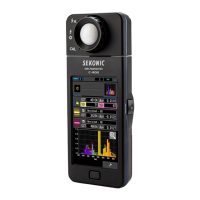
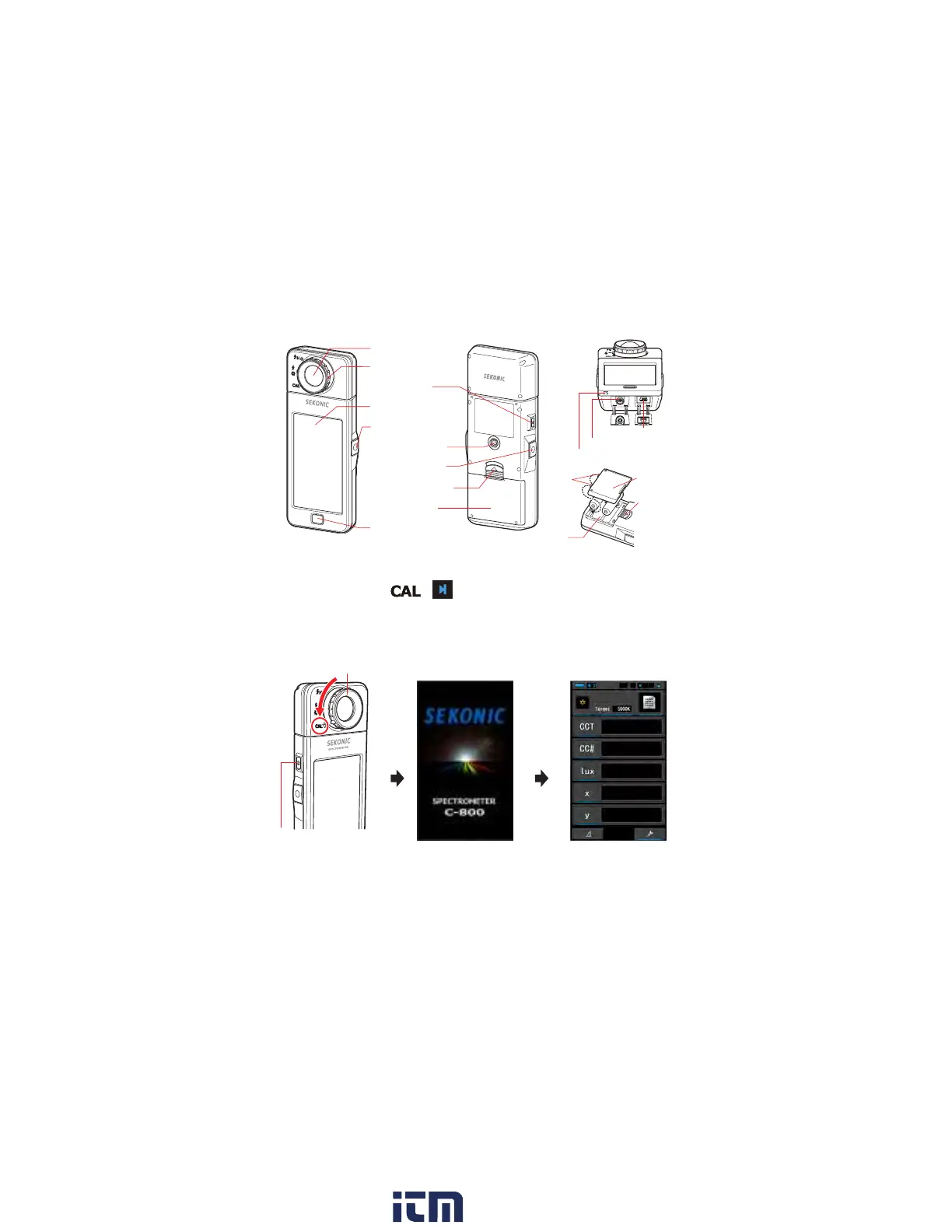
3. Names of Parts
&
63(&7520(7(5
[
Rear View
]
[
Front View
]
❶
Light Receptor
❷
Light Selection Ring
❿
Tripod Socket
❸
Power Button
❹
Display Panel
❺
Measuring Button
❼
Memory Button
❻
Menu Button
❽
Battery Cover Latch
❾
Battery Cover
[
Bottom View
]
⓭
Strap Eyelet
⓬
Sync Terminal
⓫
USB Mini-B Connector
[
Battery Cover Section
]
Battery
Cover Latch
Tabs
Battery
Cover
⓮
Battery Holder
4. Turning the Power ON/OFF
After installing the batteries, turn the Light Selection Ring
❷
to the dark
calibration position
( ) and turn ON this instrument by pressing
the Power Button
❸
.
After the Opening screen displays (for 2 seconds) in the Display Panel,
dark calibration starts. After dark calibration properly ends, the Measuring
screen displays.
&
Light Selection Ring
❷
Power Button
❸
[Opening Screen]
[
Measuring Screen
]
★
You can reduce start up time by simply tapping the screen when the Opening
screen appears.
★
Please wait 3 or more seconds between turning the power ON/OFF.
★
To turn OFF the power, press and hold the Power Button for more than one
second. The meter is powered o after the display disappears.
w ww. . com
information@itm.com1.800.561.8187


 To Next Page
 Loading...