IN0051 Revision 05 (005293)– 7 of 26
POWER PERFORMANCE PASSION
SP PRO Interactive Inverter Charger
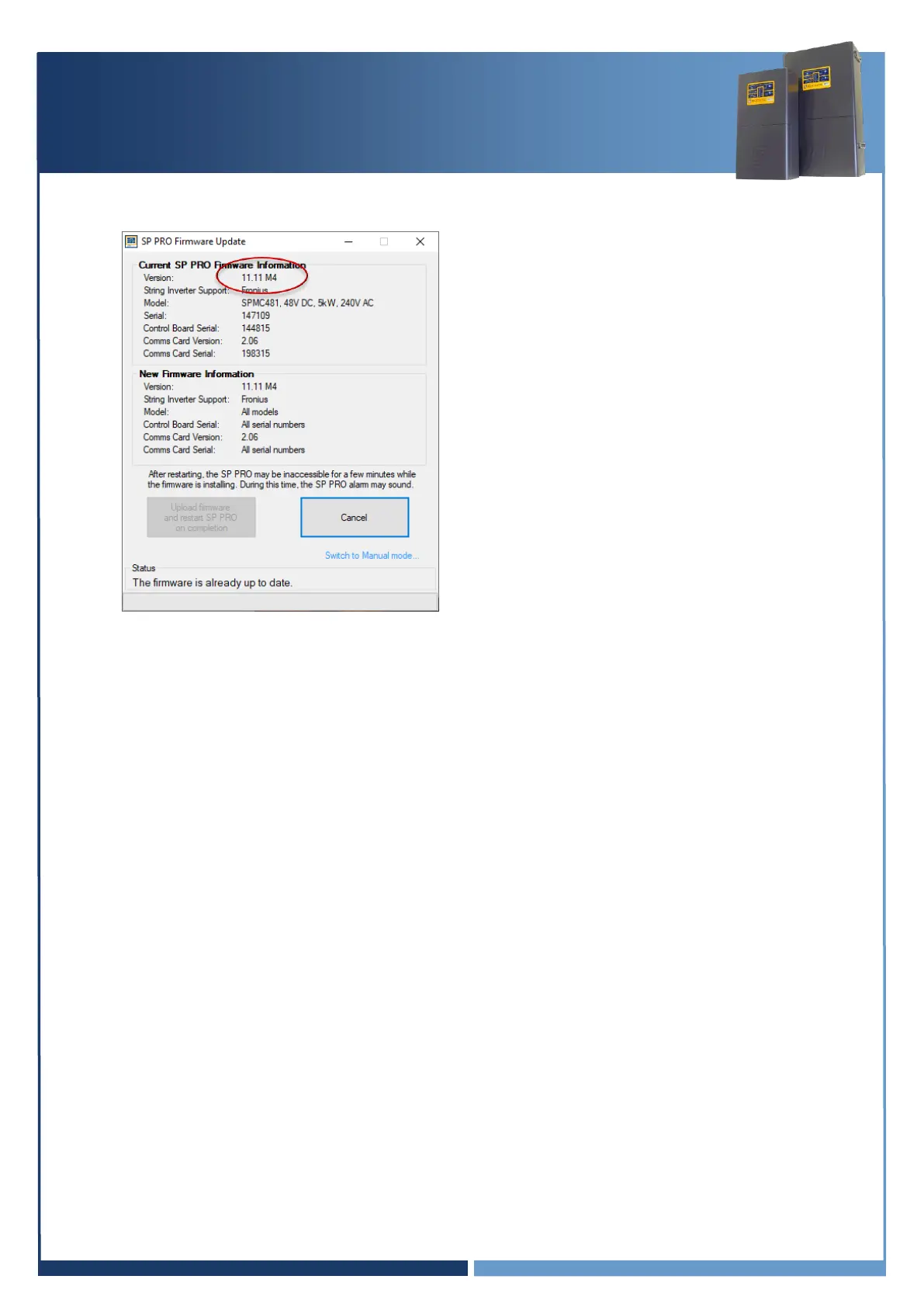
10. The “Upload firmware and restart SP PRO on completion” button will now be disabled if the
Current and New versions are the same.
11. Disconnect SP LINK and power down the SP PRO inverter. All Lights on the front panel will be
OFF. The three blue lights across the top will still be lit if there is AC source power (grid or
generator). This is OK.
Continue to section “Installing the Comms Card 2017 (blue or black)” page 8





 To Next Page