“Dynamic”
Electronic control for towel heaters
Electronic
Via Pacinotti, 24 - 35030 Rubano (PD) Italy- Tel 049.8976761, Fax 049.8976085 - www.selmo.it
FIL-PILOTE MODE
(Only for models equipped with "Fil-Pilote" connection).
In "Fil-Pilote" mode the appliance is managed by a central system, which sets the operating mode for all
connected thermostats.
The device also recognizes the most advanced "Fil-Pilote" system with six orders that allows the use of the
functions described below.
1
Standby: switch off the heating element, the thermostat remains on.
2
Comfort: maintains the "Comfort" temperature set by the user.
3.
Eco: maintains the ambient temperature lower than 3.5 ° C compared to the "Comfort" temperature.
4.
Anti-freeze : maintains the ambient temperature at 7 ° C.
5.
Comfort-1: maintains the ambient temperature lower than 1 ° C with respect to the temp. "Comfort".
6.
Comfort-2: maintains the ambient temperature lower than 2 ° C with respect to the temp. "Comfort".
NOTES: activating this mode in versions without fil-pilote, the thermostat operates in Comfort mode.
To activate the "Fil-Pilote" function:
-
Press the [Prog] key until the "Fil-Pilote" mode icon appears on the display.
-
Set the comfort temperature with the [+] and [-] buttons.
If the "Fil-Pilote" system is not installed, the system operates in "Comfort" mode.
CHRONO MODE
Chrono mode programmation
a)
Set the current day and time
-
Activate the "Stand-by" mode and press the [Crono] key for more than 3 seconds.
-
The display will show the words: "Ted '’
-
Press the [Prog] key to enter the mode.
Set the current day with the [+] and [-] keys (from 1 to 7).
-
Press the [Prog] button again to confirm.
The display now shows the current time to be confirmed
'Hours': use the [+] and [-] keys to set the time and confirm with the [Prog] key.
'Minutes': repeat the same procedure and confirm with the [Prog] key.
-
At the end the thermostat returns to "Stand-by" mode.
b)
Set the program for the Chrono mode:
-
Enter "Stand-by" mode and press the [Chrono] key for more than 3 seconds.
-
At the top of the display you will see the words: "Ted’’
-
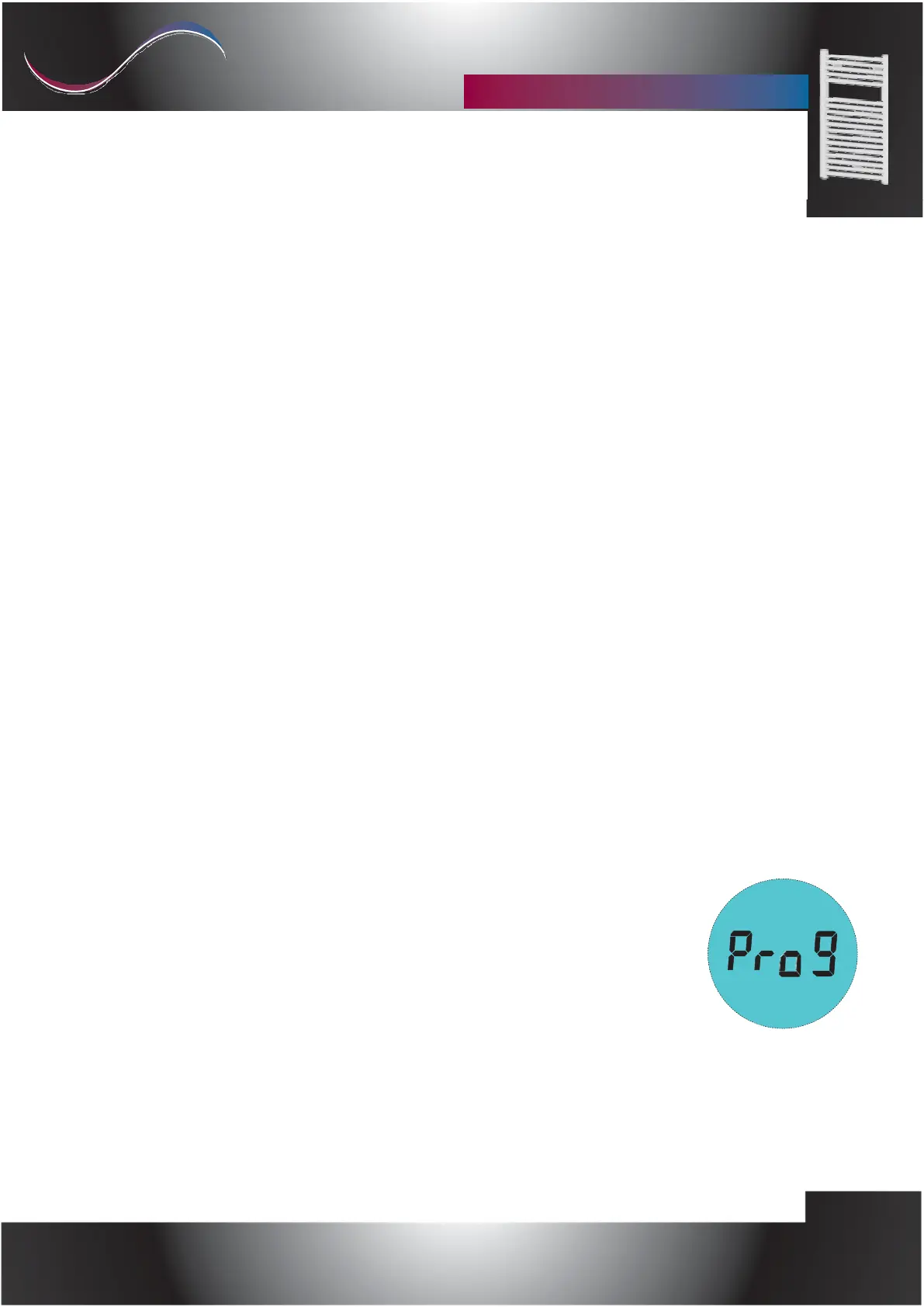
To set the time sequence of the "Chrono" mode, press the [+] key until
that the word ‘’Prog’’ (Programming) appears on the display.
[See the photo on the right]
-
Press the [Prog] key to enter the mode.
Now a time sequence can be set for each day of the week.
Starting with day 1, select the desired sequence with the keys [+] and [-]
to select, for each hour, between the "Comfort" temperature (full bar) button [+]
and the "Night" temperature (empty bar) [-] key.
Press [Prog] to confirm the first day setting,
repeat the same procedure for the remaining 6 days of the week.


 To Next Page
 Loading...