5S Motorcycle Bluetooth Communication System | 14
3. GETTING STARTED
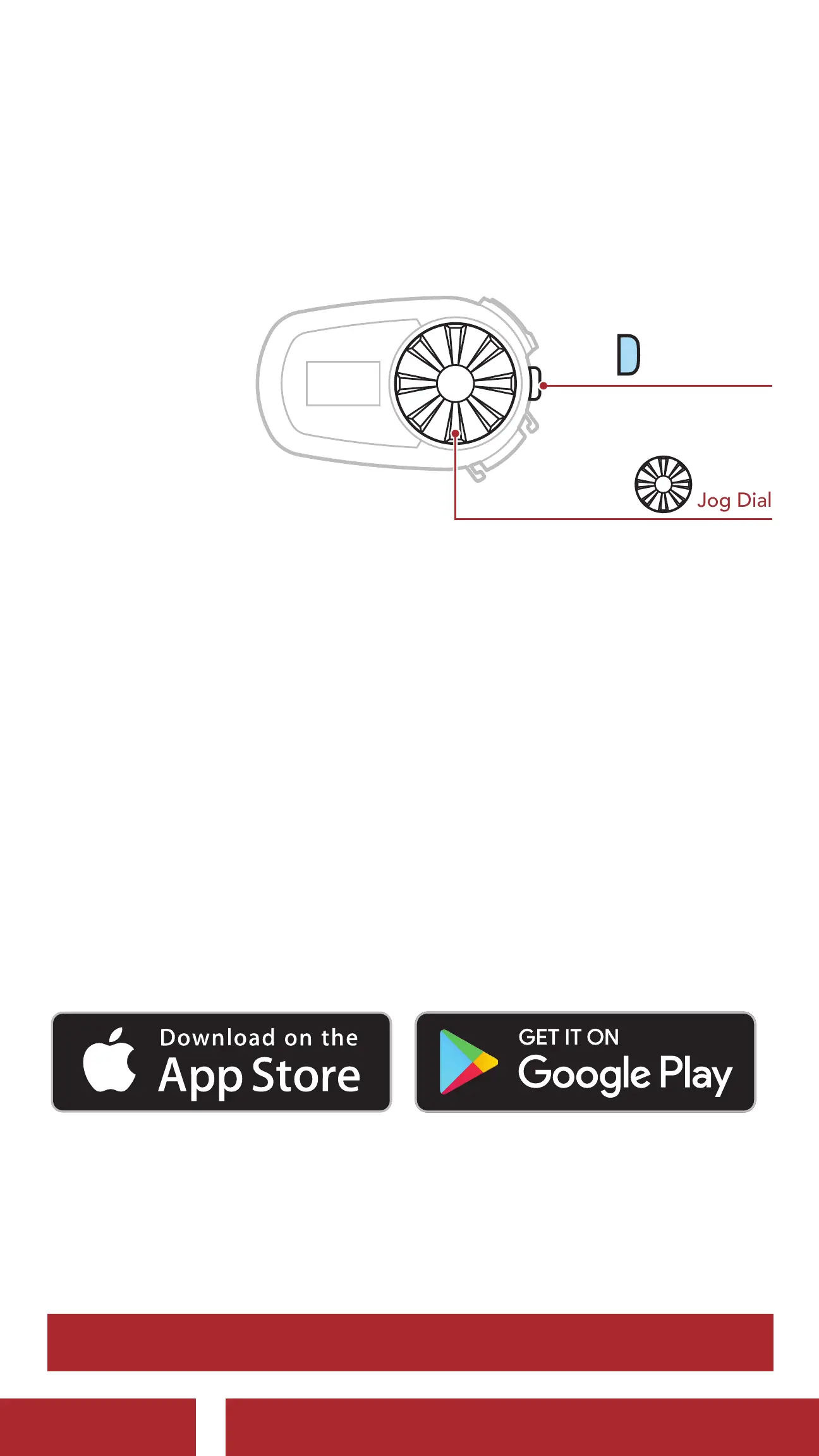
3.1 Buttons
Phone Button
Jog Dial
P
3.2 Downloadable Sena Software
3.2.1 Sena Utility App
By simply pairing your phone with your headset, you can use the Sena
Utility App for quicker and easier set up and management.
• App Features
- Music, FM Radio, Device settings, Quick Start Guide, and User’s
Guide
• Download
- Android: Google Play Store > ‘Sena Utility’
- iOS: App Store > ‘Sena Utility’
3.2.2 Sena Device Manager
The Sena Device Manager allows you to upgrade the firmware
and configure its settings directly from your PC or Apple computer.
Download the Sena Device Manager from sena.com.
Click Here to Visit sena.com
CHAPTER



 To Next Page