5S Motorcycle Bluetooth Communication System | 24
5. MOBILE PHONE USAGE
5.1 Making and Answering Calls
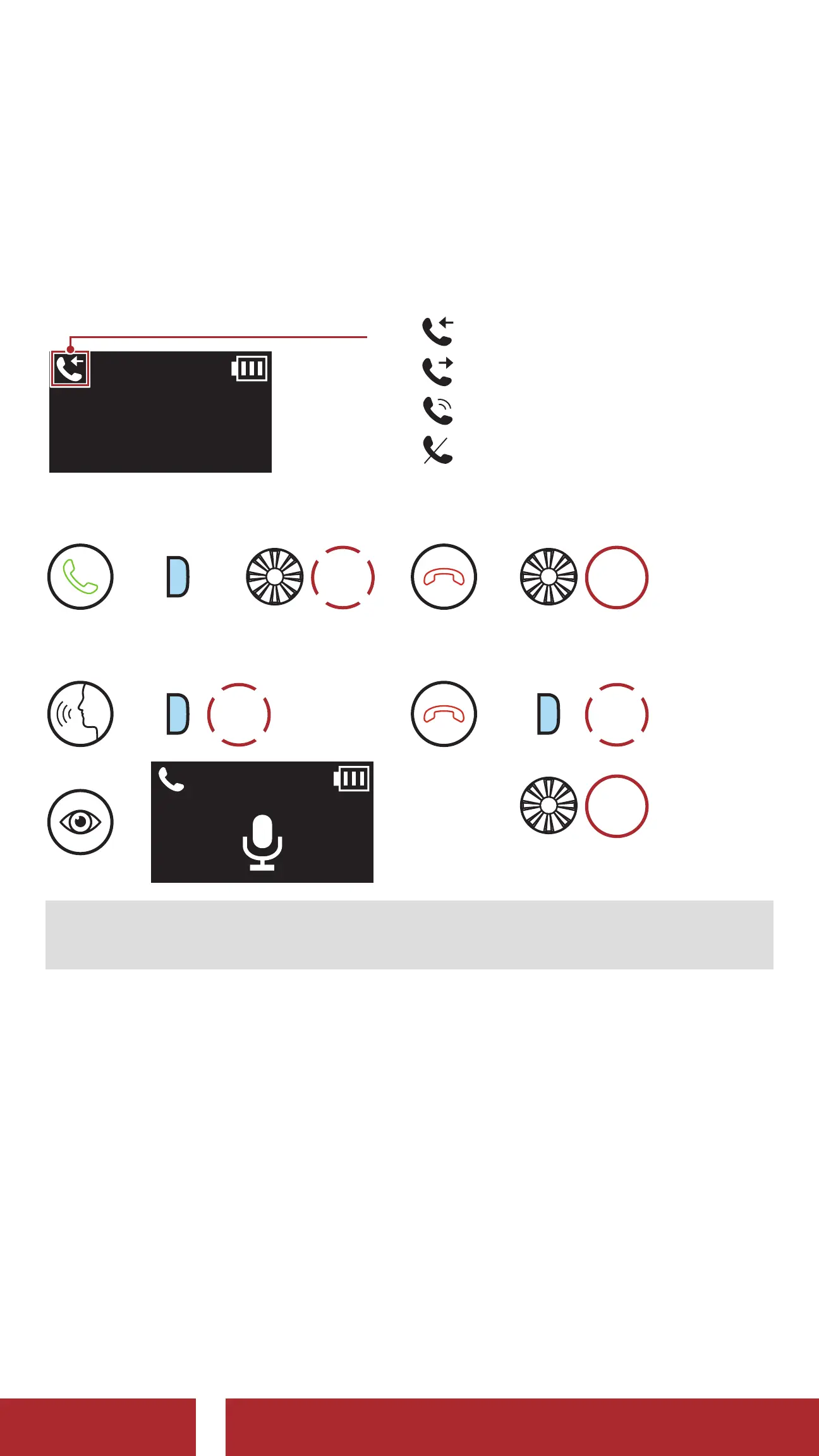
LCD Display
010 1234 5678
Call Status
=
Incoming Call
=
Outgoing call
=
On the Phone Call
=
Reject a call
Answer a Call
=
P
or
1x
TAP
Reject a Call
=
2s
HOLD
Make Call with Voice Dialer
=
P
1x
TAP
=
End a Call
=
P
1x
TAP
or
2s
HOLD
Note: If you have a GPS device connected, you will not hear its voice
navigations during a phone call.
5.2 Speed Dialing
5.2.1 Assigning Speed Dial Presets
Speed Dial Presets could be assigned in the settings menu, accessible
through Sena Device Manager or Sena Utility App.
CHAPTER



 To Next Page