5S Motorcycle Bluetooth Communication System | 35
8 USING THE FM RADIO
8.6 FM Sharing
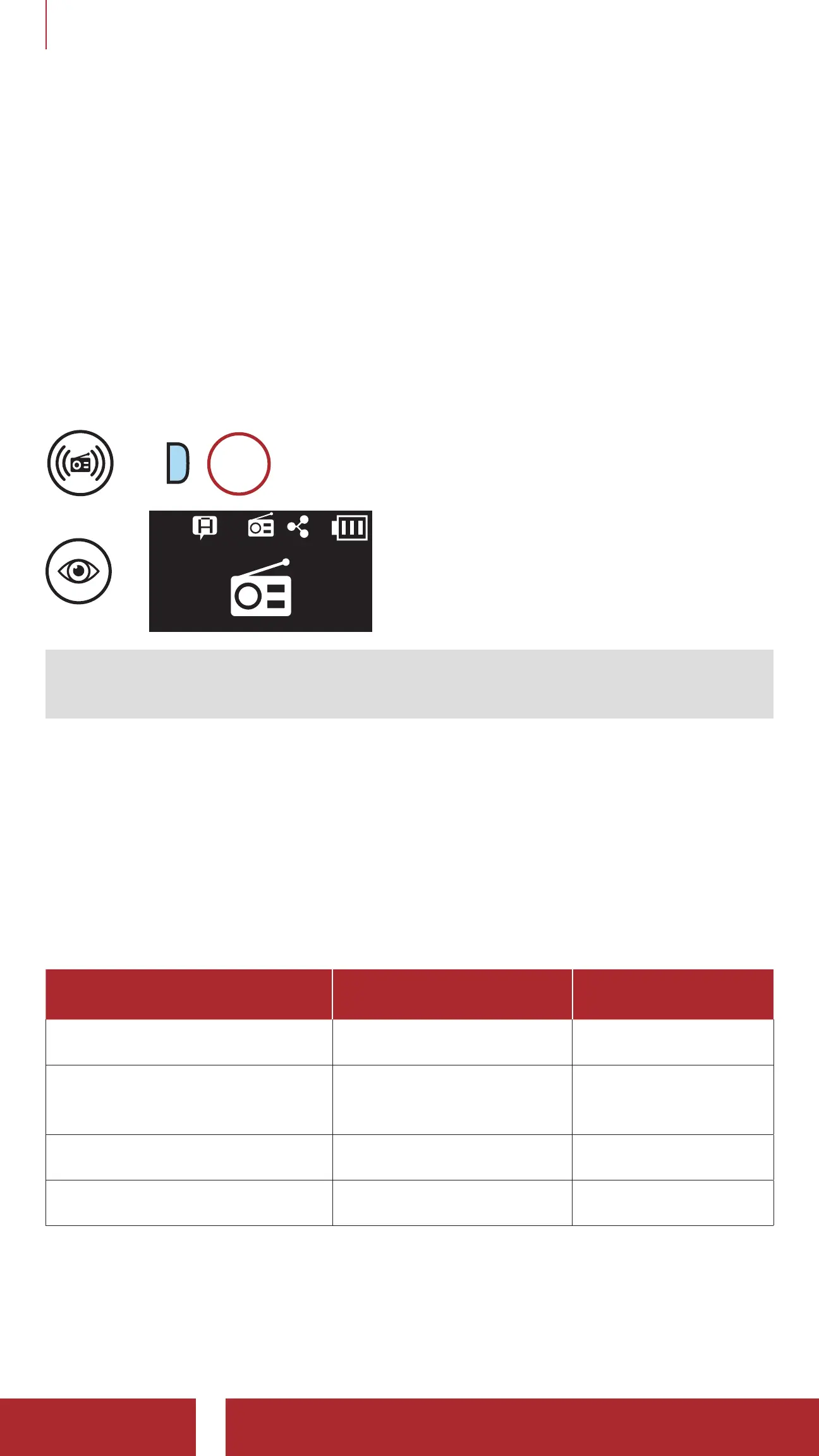
You can listen to the radio during the intercom conversation. To start
FM sharing, press and hold the Phone Button for 1 second during
the intercom conversation. During FM sharing, you can move to the
next preset station and you or your friend on the intercom can change
frequencies. If either person changes the frequency, the other will listen
to the same frequency. To terminate FM sharing, press and hold the
Phone Button for 1 second or end the intercom call.
Navigate through Preset Stations
=
P
1s
HOLD
=
Note: If an intercom call is made while Audio Multitasking is enabled
and you are listening to the FM radio, FM Sharing will not work.
8.7 Region Selection
You can select the proper FM frequency range for your location from
the Sena Device Manager or the Sena Utility App. Using the region
setting, you can optimize the seek function to avoid unnecessary
frequency ranges.
Region Frequency range Step
Worldwide 76.0 ~ 108.0 MHz ± 100 kHz
North America, South
America and Australia
87.5 ~ 107.9 MHz ± 200 kHz
Asia and Europe 87.5 ~ 108.0 MHz ± 100 kHz
Japan 76.0 ~ 95.0 MHz ± 100 kHz



 To Next Page