5S Motorcycle Bluetooth Communication System | 40
11 CONFIGURATION SETTING
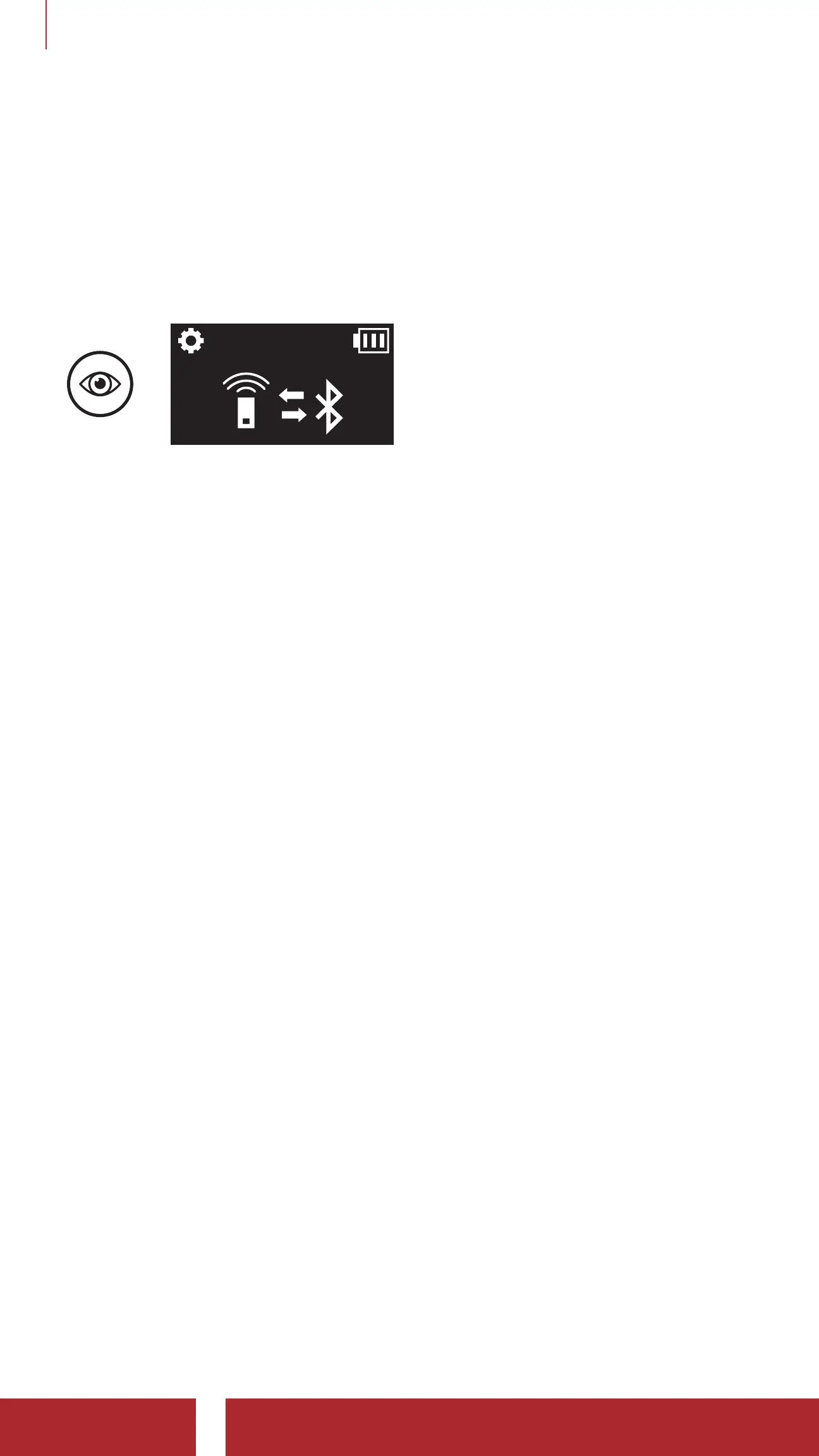
11.1.2 Remote Control Pairing
You can remotely control the headset using Sena Remote Control
devices (sold separately).
1. Turn on the headset and the Remote Control device.
2. Execute Remote Control Pairing.
=
3. Enter pairing mode in the Remote Control device. The headset will
automatically connect with the Remote Control device in pairing
mode.
11.2 Software Configuration Setting
You can change the settings of the headset through the Sena Device
Manager or the Sena Utility App.
11.2.1 Speed Dial
Assign phone numbers for speed dialing to make a phone call quickly.
11.2.2 Unit Language
You can select the device language. The selected language is
maintained even when the headset is rebooted.
11.2.3 Audio Equalizer (Default: Off)
You can use the Audio Equalizer to increase/decrease the decibel level
of different frequency ranges of audio.
Balance will adjust all of the frequency ranges to be the same volume
level (0 dB). Bass Boost will increase the bass range of audio (20 Hz -
250 Hz). Mid Boost will increase the mid range of audio (250 Hz - 4 kHz).
Treble Boost will increase the high range of audio (4 kHz - 20 kHz).



 To Next Page