ACS-RAM Motorcycle Bluetooth
®
Communication System | 12
3 GETTING STARTED
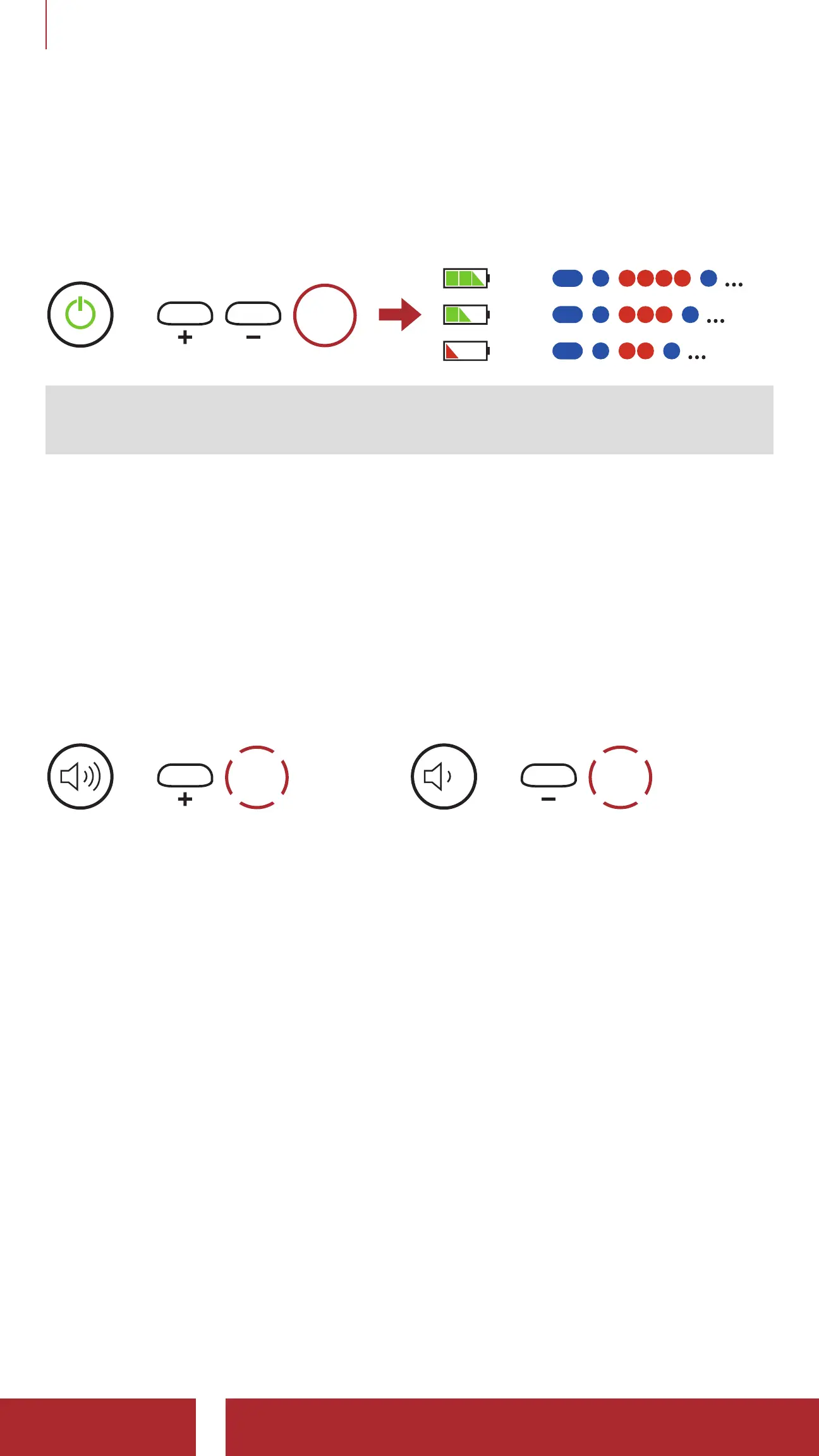
3.5 Checking the Battery Level
Instructions are for when powering the headset on.
Powering On
=
1s
HOLD
=
=
=
Note: When the battery is low while in use, you will hear a voice
prompt saying “Low battery.”
3.6 Volume Adjustment
You can raise or lower the volume by tapping the (+) Button or the
(-) Button. Volume is set and maintained independently at different
levels for each audio source (i.e., phone, intercom), even when the
headset is rebooted.
Volume Up
=
1x
TAP
Volume Down
=
1x
TAP



 To Next Page