SETTINGS
AGV Device Manager
Connect ARK to a computer via a USB cable. Download AGV Device Manager from the AGV web-
site: www.agv.com. Then, start AGV Device Manager and click on Device Settings to configure
ARK.
Sena SF Utility
Download the Sena SF Utility app (available for Android and iOS). Pair the smartphone with ARK
and start the application. Then, use the Configuration menu within the app to configure ARK.
ARK User manual
The complete ARK User manual is available for download at the AGV website: www.agv.com.
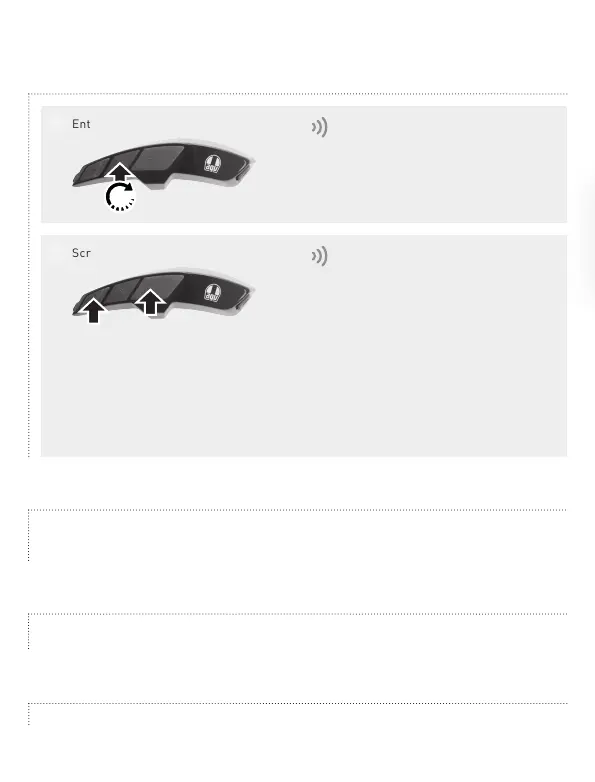
Configuration menu
Enter the Configuration menu
1
"Configuration"
Scroll the multiple settings
2
"Phone pairing"
"Second mobile phone pairing"
"GPS pairing"
"Phone selective pairing"
"Media selective pairing"
"Delete all pairings"
"Remote control pairing"
"Universal intercom pairing"
"Factory reset"
"Exit configuration"
10"


 To Previous Page