14
2.3. Accessing Console Port
There are two ways to access console port of the LS100 depending on whether the user is located at
a local site or a remote site.
- Serial console:
Local users can connect directly to the serial console port of the LS100 using serial console/data
cable (null-modem cable). The serial port of the LS100 is used as the console port as well as the
data port. To use the serial port as the console port, slide Data/Console switch to the Console
side.
- Remote console:
Remote users can make a telnet connection to the remote console port (port 23) of the LS100 via
TCP/IP network.
Both methods require the user to log into the LS100 in order to continue.
2.3.1 Using Serial Console
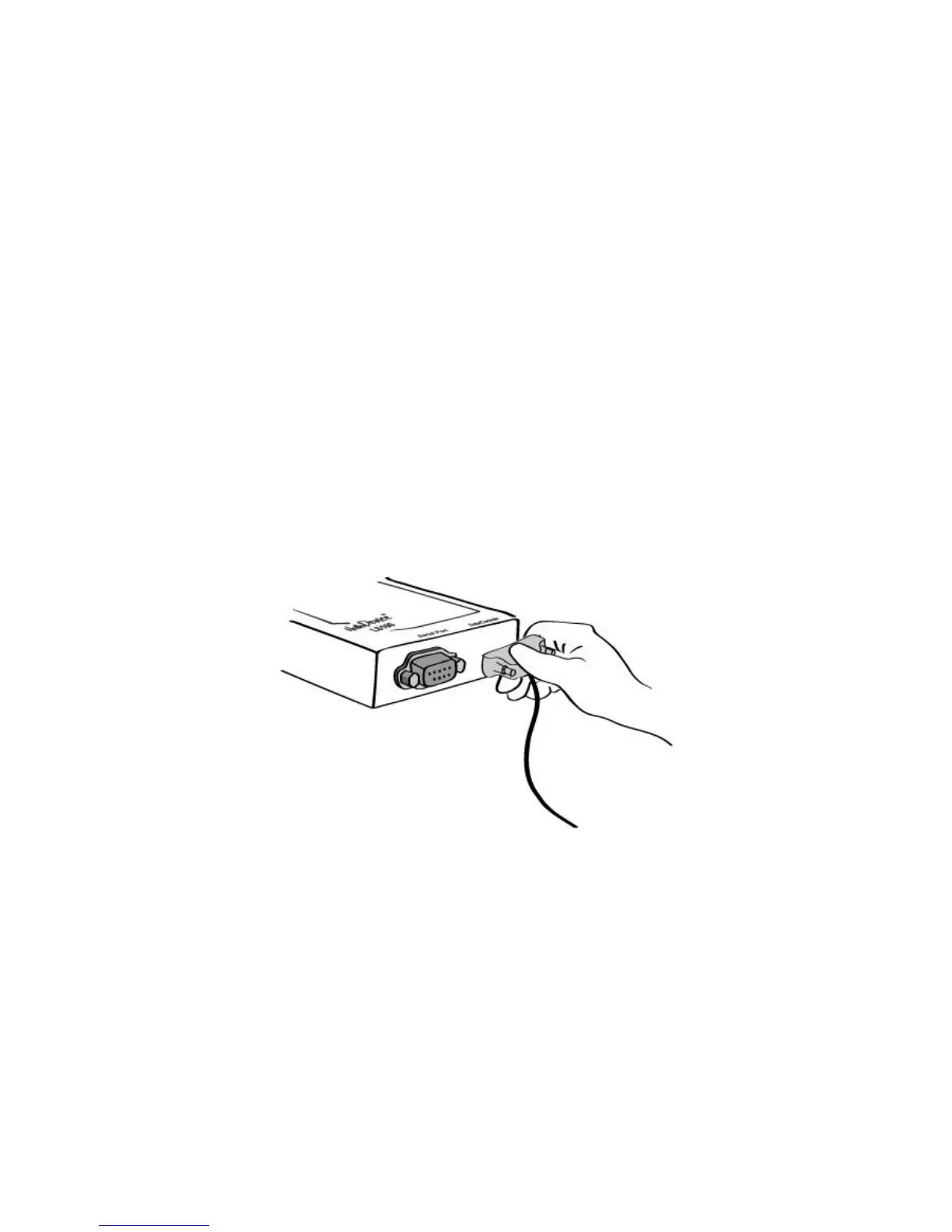
1) Connect the one end of the serial console cable to the serial port of the LS100.
Figure 2-5. Connecting a serial console cable to the LS100
2) Connect the other end of the cable to the serial port of user’s computer.
3) Slide Data/Console switch to Console side.


 To Next Page