41
Appendix A: Connections
A.1 Ethernet Pin outs
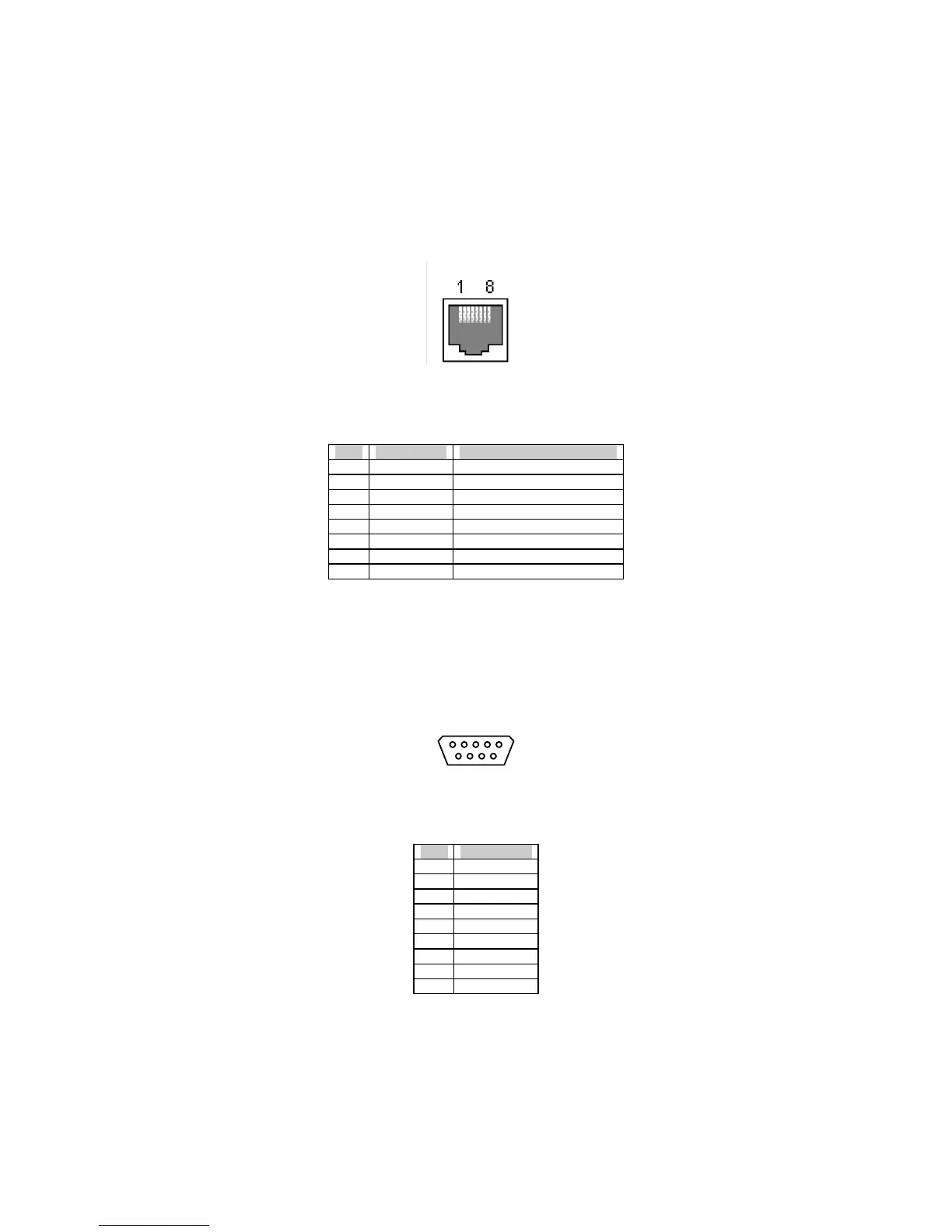
The LS100 uses standard Ethernet connector, which is a shielded connector compliant with AT&T258
specifications. Table A-1 shows the pin assignment and the wire color.
Figure A-1 Pin layout of the RJ45 connector
Table A-1. Pin assignment of the RJ45 connector
Pin Description Color
1 Tx+ White with orange
2 Tx- Orange
3 Rx+ White with green
4 NC Blue
5 NC White with blue
6 Rx- Green
7 NC White with brown
8 NC Brown
A.2 Serial Port Pin Outs
The pin assignment of the LS100 DB9 connector is summarized in Table A-2. Each pin has a function
according to the serial communication type configuration.
6 7 8 9


 To Next Page