OUTSTAR S Bluetooth
®
Helmet | 13
2 WEARING THE HELMET
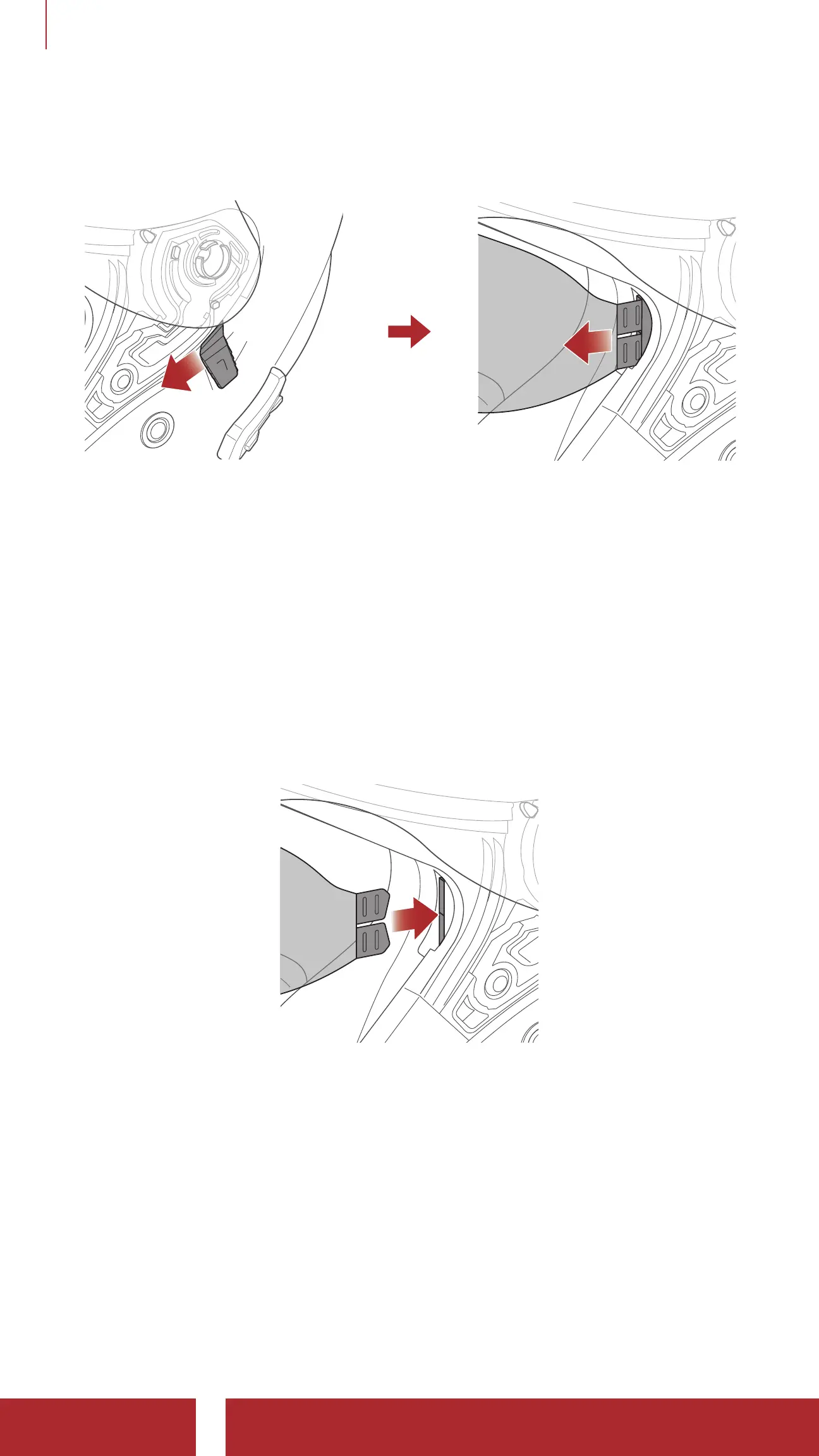
2.9 Removing the Inner Sun Visor
1. Slide the inner sun visor lever in the direction shown in the illustration
above to lower the inner sun visor.
2. Pull one side of the visor in the direction shown in the illustration
above.
3. Repeat Step 2 on the opposite side.
2.10 Installing the Inner Sun Visor
1. Insert the inner sun visor tab into its slot until you hear a click.
2. Repeat the process on the opposite side.



 To Next Page