15
4.1 Firmware Upgrade
The +Mesh supports firmware upgrades. You can update
the firmware using the Sena Device Manager.
4.2 Fault Reset
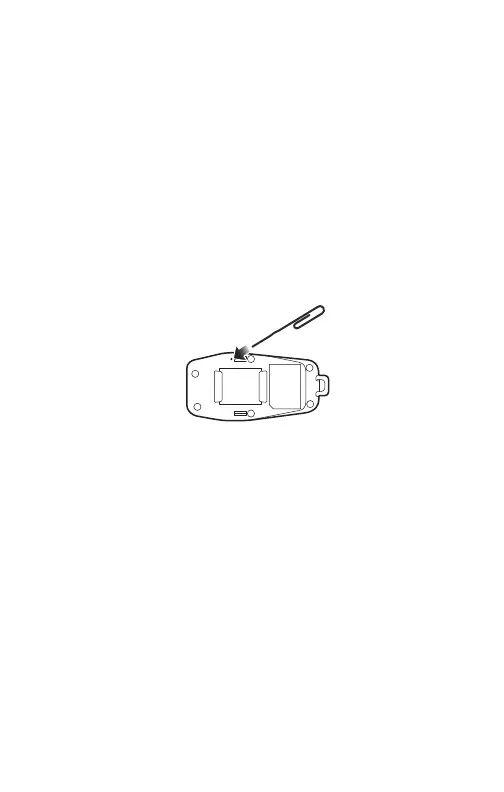
When the +Mesh is not working properly or is in faulty
status for any reason, you may reset by pushing the Pin-hole
Reset Button at the back of the main unit.
4.3 Factory Reset
If you want to restore the +Mesh to factory default settings,
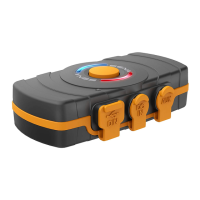
use the Factory Reset. Press and hold the Multi-funtion
Button for 11 seconds until the LED flashes white, the
+Mesh automatically restores the default settings and turns
off.
4. TROUBLESHOOTING


 To Next Page