8
2.1 Downloadable Sena Software
2.1.1 Sena +Mesh App
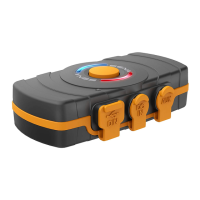
You can use the Sena +Mesh App without pairing your
Smartphone to the +Mesh.
• Download
– Android: Google Play Store > Sena +Mesh App
– iOS: App Store > Sena +Mesh App
2.1.2 Running the Sena +Mesh App
1. Turn on the product.
2. Press and hold the Multi-function Button for 5 seconds.
3. Launch the Sena +Mesh App on your Smartphone.
4. Scan the product in the app.
• When you launch the app, the product is automatically
scanned.
• Tap the Scan icon ( ) to manually scan the product.
5. After scanning is complete, select the scanned product in
the app.
Note:
• If the product has not been scanned in the app, please
update the product to the latest firmware.
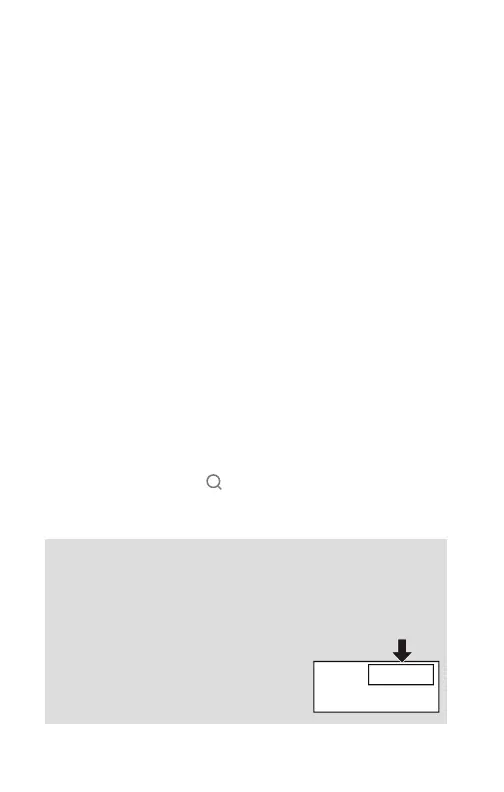
• How to identify the scanned product in the app
You can identify the product by the
six-letter code on the label on the
back of your product.
XXXX
XXXX
XXXXXX
XXXXX
2. BASIC OPERATION


 To Next Page