13
MENU
• Channel order: (1
→
2
→
3 …
→
8
→
9
→
Exit
→
1
→
2 …)
• Channel Setting always starts with channel 1.
• To automatically save a channel after setting it, wait approximately
10 seconds before pressing any other buttons.
• The channel will be saved even if you turn off the S1.
• The Sena Cycling App can also be used to change the channel.
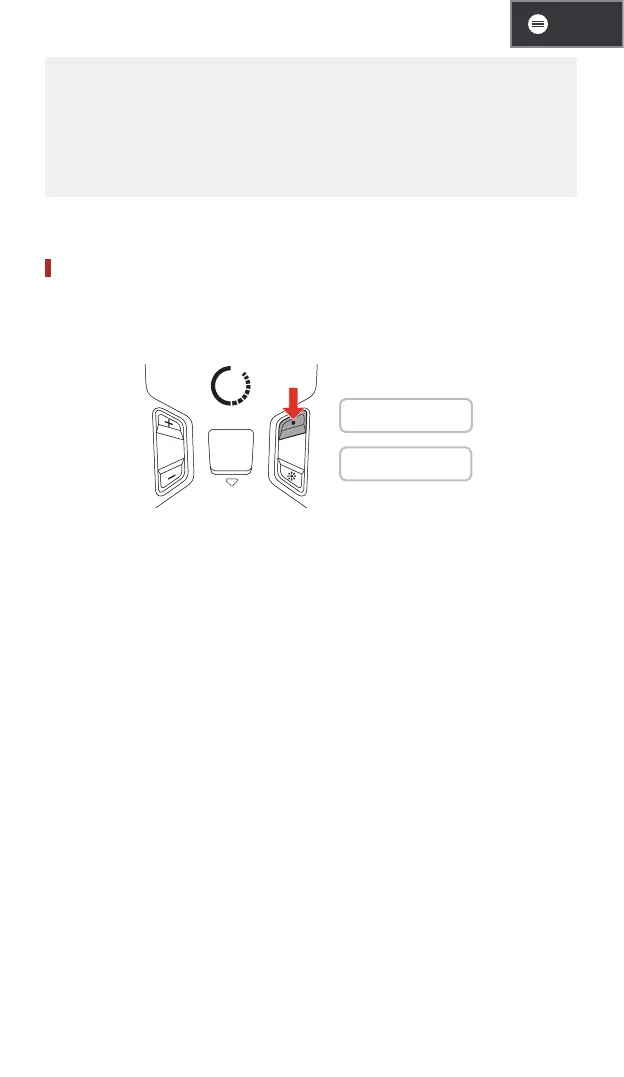
Mute/Unmute Mic (Default: Unmute)
Use the Multi-function Button to mute/unmute the microphone in any
Mesh channel.
1s
1 On: "Mic on"
1 Off: "Mic off"



 To Next Page