EN 9
EN
Revision 04/2019Copyright © 2019, Fast ČR, a. s.
Device
3. Device
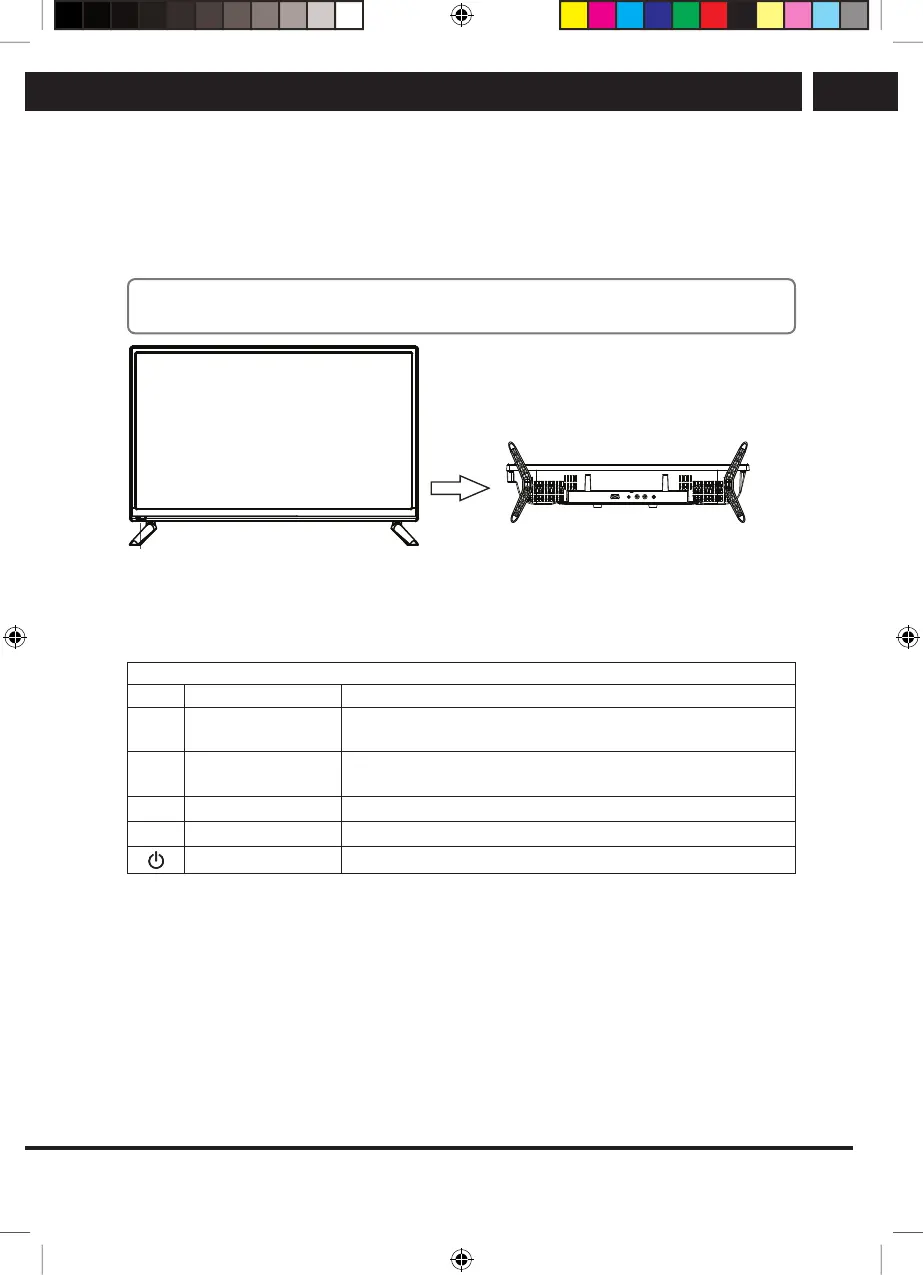
3.1. Button functions of the control panel
The buttons on the bottom right control basic TV functions, including on-screen menu. If
you want to use advanced functions, you have to use the remote controller.
Note:
The figures are only for orientation
Remote Control Sensor
• Red light indicates the TV is in standby
mode.
• No light indicates the TV is on.
POWER (power on / standby)
• Press to turn the TV on / standby.
Keyboard Functions
Icon Name Functions
Up/Down Change the TV reception channel to a higher/lower
number. In the TV menu, move to a higher/lower item.
Left/Right Lowers/Increases the volume of TV sound. In the TV menu,
selects left/right item.
Main menu Entry into the main setup menu.
Source Signal source selection.
Standby Turn the TV off to standby.
Sencor UM SLE 3225 EN CZ SK HU PL.indb 9 21.12.2018 21:14:51
CH+
CH-
VOL+
VOL-
MENU
INPUT



 To Next Page