20 EN
EN
Revision 04/2019
Copyright ©
2019, Fast ČR, a. s.
Menu
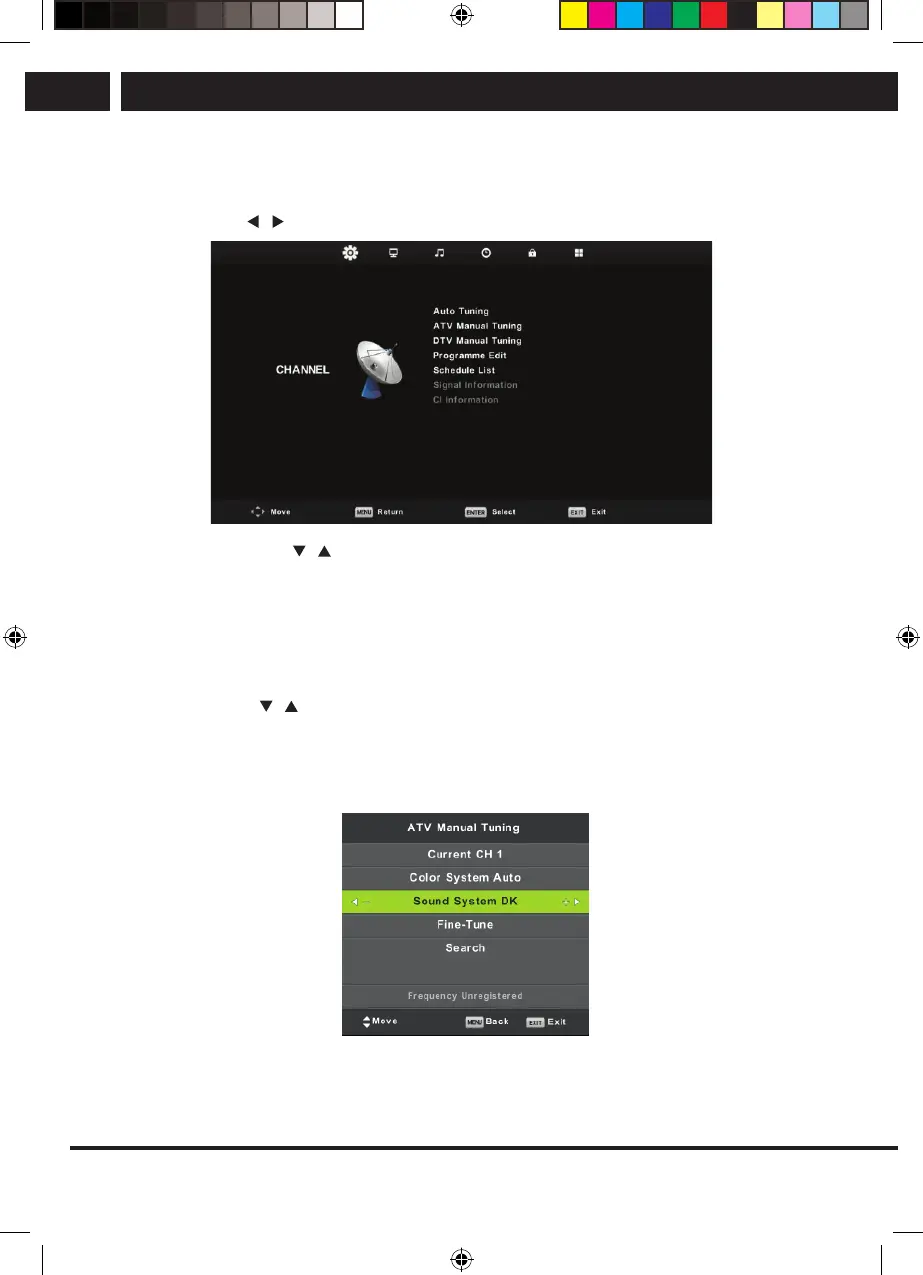
6.2. Channel menu – ATV/DTV
Press MENU to display the main menu.
Use the buttons to select the item CHANNEL in the main menu.
1. Using the buttons select the item, which you want to modify in the menu
CHANNEL.
2. Press OK and perform the modification.
3. When you finish the modification, press MENU, save the changes and return to the
previous menu.
6.2.1. Automatic tuning
Using the buttons select the item Auto Tuning and enter it by pressing OK. The
same action will happen like in the first tuning, all the previously tuned channels will be
deleted.
6.2.2. Manual ATV tuning
Current CH (Current channel)
Setting the channel number.
Sencor UM SLE 22F61TCS EN CZ SK HU PL.indb 20 29.04.2019 18:03:53
/
/
/



 To Next Page