44 EN
EN
Revision 04/2019
Copyright ©
2019, Fast ČR, a. s.
USB
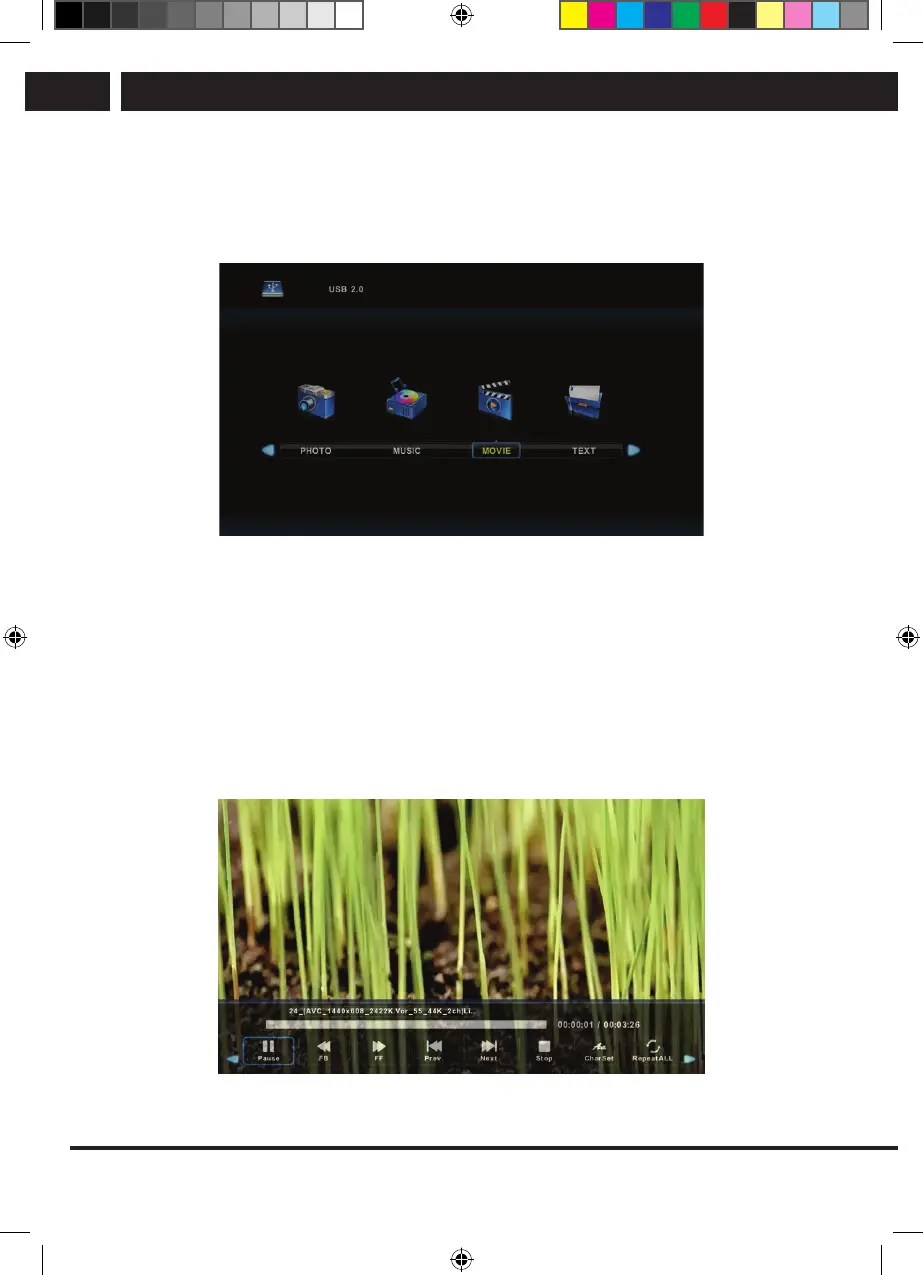
7.3. Movie menu
Use the buttons b/B to select in the main menu the item MOVIE and then enter the
interface by pressing OK.
Press Exit to return to the previous menu and to exit menu.
Use the buttons b/B to select the disk unit, which you want to play and press OK to
enter the interface. Press the media button to play the selected movie if it is acceptable
for playing, especially its codec.
Press Display to select information bar at the bottom, which you want to start and press
OK to enter it.
If there is in the movie directory also afile with external subtitles with the same name as
the movie, the device will play it (the button SUBTITLE). You can select among national
alphabets by pressing CharSet in the information bar. When you pause in the directory on
amovie file, after awhile information about the file is displayed on the right and the file
starts playing.
Press Exit to return to the previous menu and press again to exit the overall menu.
Sencor UM SLE 22F61TCS EN CZ SK HU PL.indb 44 29.04.2019 18:03:58



 To Next Page