26 EN
EN
Revision 04/2019
Copyright ©
2019, Fast ČR, a. s.
Menu
6.3.4. HDMI mode
Select for the currently connected source in the HDMI input either Video (e.g. satellite
receiver) or PC (computer) or AUTO. This way you will adjust the picture processing and
its size to the current source. When asource is not connected the HDMI is not active.
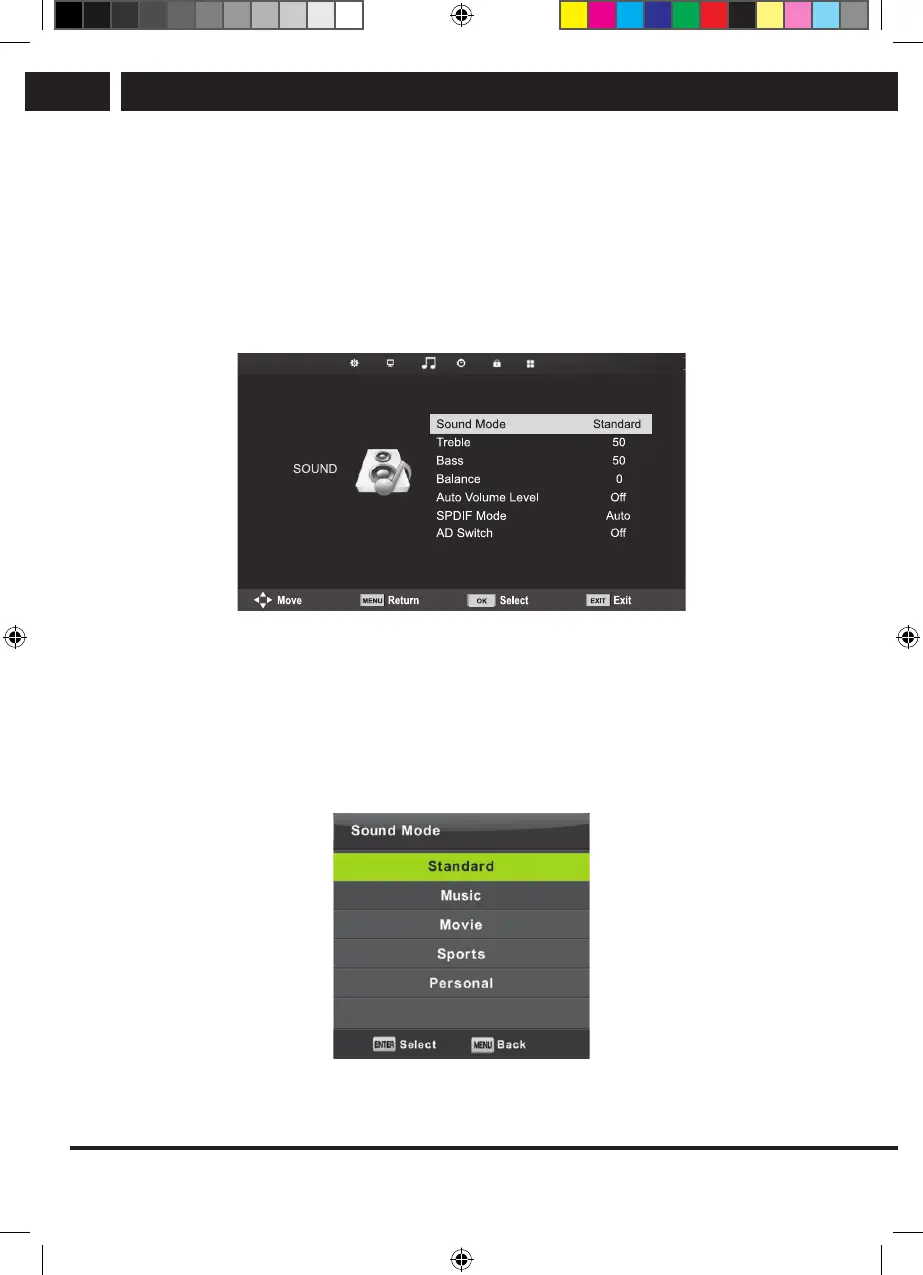
6.4. Sound menu
Press MENU to display the main menu.
Press b/B to select in the main menu the item SOUND.
1. Using the buttons V/v select the item, which you want to set in the menu SOUND.
2. Press OK and set.
3. After you finish the setting, save it by pressing the button MENU and return to the
previous menu.
6.4.1. Sound mode
Use the buttons V/v to select the item Sound Mode and press OK to enter the submenu.
Use the buttons V/v to make selection.
If the sound is in Personal mode(Personal), you can change the treble and bass values.
Sencor UM SLE 22F61TCS EN CZ SK HU PL.indb 26 29.04.2019 18:03:54



 To Next Page