EN 25
EN
Revision 04/2019Copyright © 2019, Fast ČR, a. s.
Menu
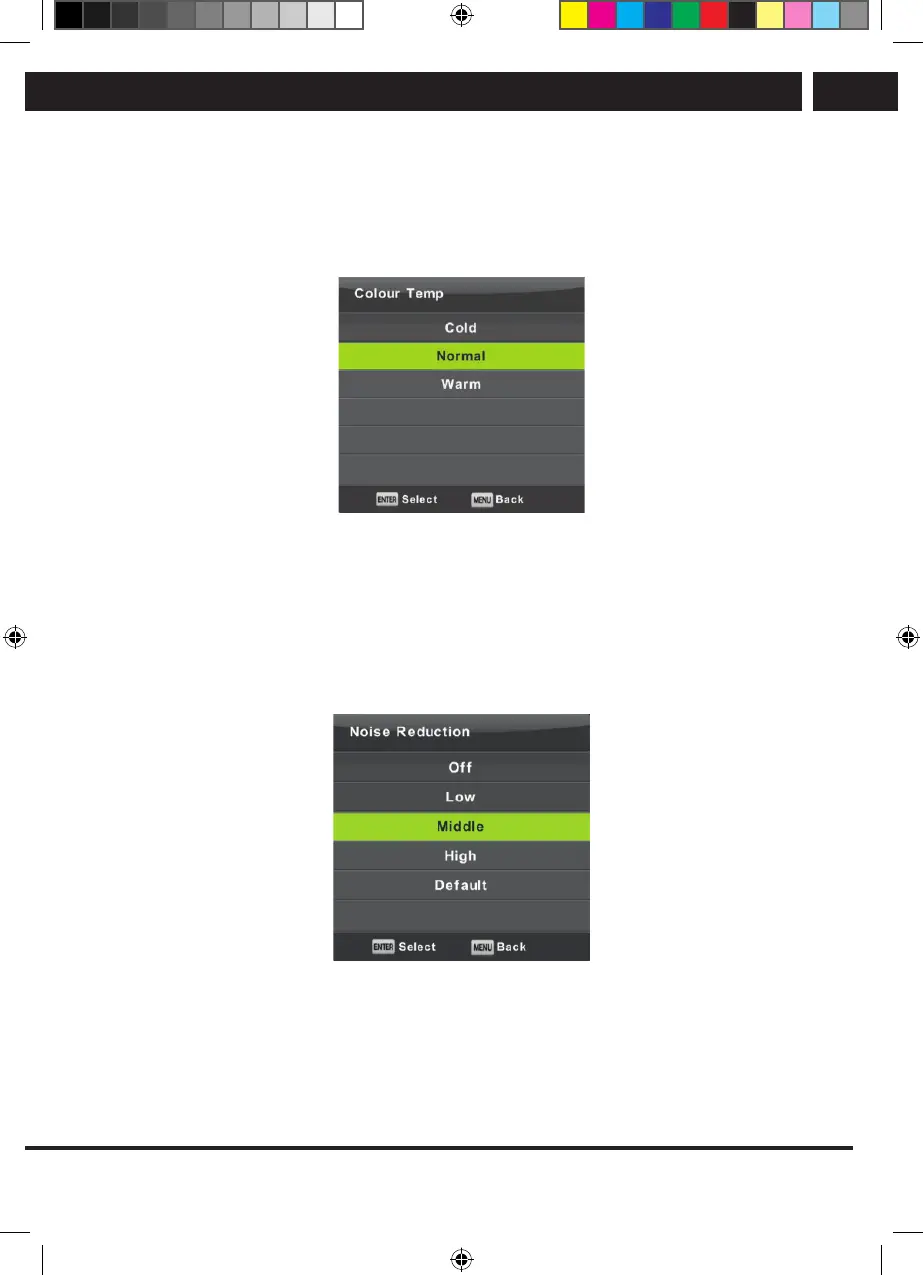
6.3.2. Color temperature
Change of the overall color presentation.
Using the buttons V/v select the item Color Temperature and then press OK to enter the
submenu.
Using the buttons b/B select the mode (available picture modes: Cold, Normal, Warm).
Cold Emphasizes blue tint of the white color.
Normal Keeps the white color neutral.
Warm Emphasizes reddish tint of the white color
6.3.3. Noise reduction
Used to filter and suppress noise in an image and improve image quality.
Using the buttons V/v select the item Noise Reduction and them press OK to enter the
submenu.
Off: Noise detection in the picture is off.
Low: Detection and reduction of alow picture noise.
Middle: Detection and reduction of amedium strong picture noise.
High: Detection and reduction of astrong picture noise.
Default: Set as default.
Sencor UM SLE 22F61TCS EN CZ SK HU PL.indb 25 29.04.2019 18:03:54



 To Next Page