EasyManua.ls Logo

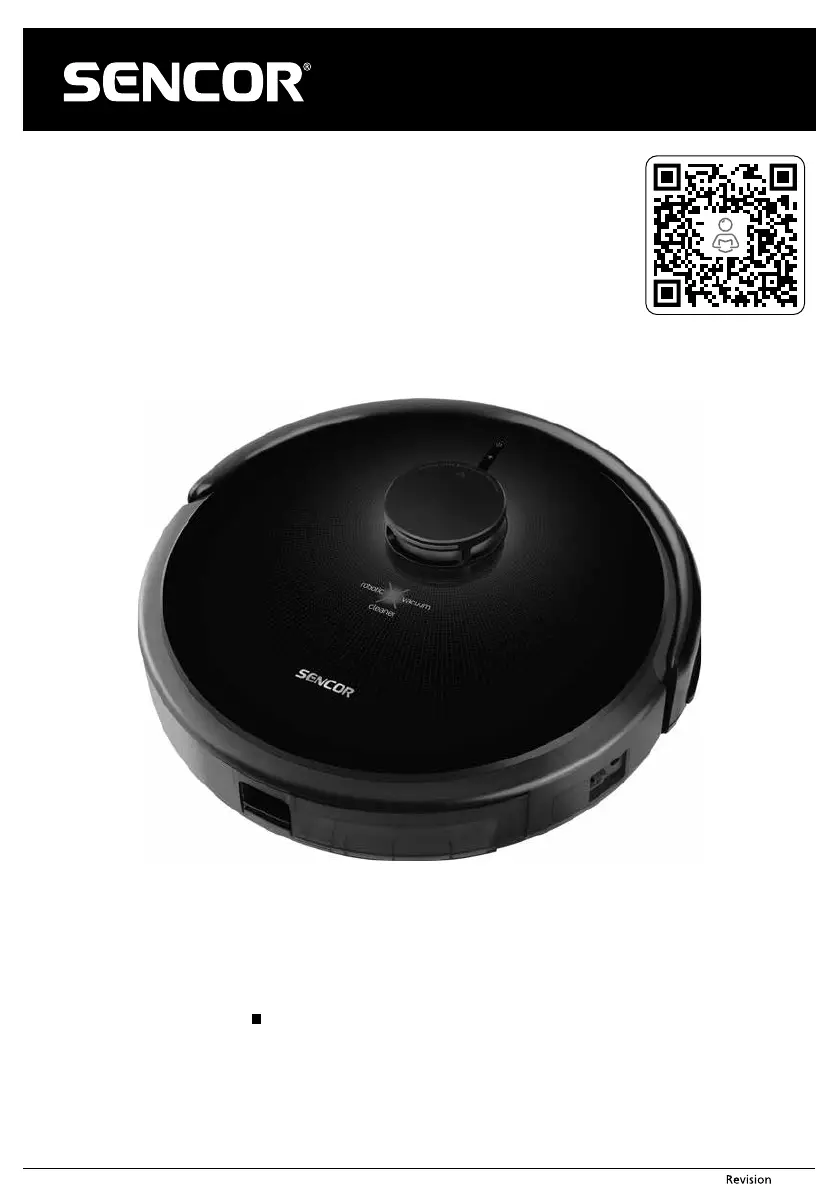
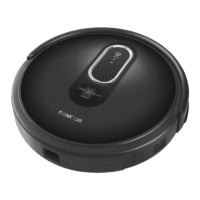
Sencor SRV 9250BK - User Manual

Sencor SRV 9250BK
13 pages
Print Icon
To Next Page IconTo Next Page
Loading...
- 1 -
11/2020
Copyright © 2020, Fast ČR, a.s.
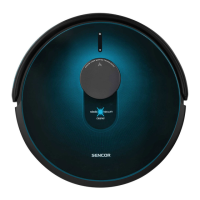
EN Robotic Vacuum Cleaner
Translation of the original manual
SRV 9250BK

Questions and Answers

  • N
    Nancy SotoAug 11, 2025
    How to troubleshoot a Sencor SRV 9250BK Vacuum Cleaner that won't turn on?
    • B
      Barry SwansonAug 11, 2025
      If your Sencor Vacuum Cleaner won't turn on, there are a couple of things to check. First, make sure the battery is correctly inserted according to the user's manual instructions. If it is, the battery might be flat, so try charging it.
  • J
    Juan ThomasAug 18, 2025
    What to do if my Sencor Vacuum Cleaner is on but not vacuuming?
    • A
      Ashley ThomasAug 18, 2025
      If your Sencor Vacuum Cleaner is running but not picking up dust and dirt, the dust container might be full. Try emptying it. Also, ensure the dust filter is correctly installed in the dust container.
  • Y
    yrobertsAug 26, 2025
    Why does my Sencor Vacuum Cleaner only travel backwards?
    • O
      ocooperAug 26, 2025
      If your Sencor Vacuum Cleaner only moves backwards, it could be due to a couple of reasons. It may be on a floor that's too dark; try moving it to a lighter-colored floor. Alternatively, the anti-fall sensors might be dirty, so try cleaning them.
  • S
    Sarah HernandezSep 2, 2025
    How to fix deformed rotary brushes on a Sencor SRV 9250BK Vacuum Cleaner?
    • C
      christopher05Sep 2, 2025
      If the rotary brushes on your Sencor Vacuum Cleaner are deformed and not sweeping up dust and dirt, it could be because they are worn out. Try dipping them in warm water to restore their original shape. If that doesn't work, you may need to contact the vendor or service center to order new brushes.

Sencor SRV 9250BK Specifications

General IconGeneral
BrandSencor
ModelSRV 9250BK
CategoryVacuum Cleaner
LanguageEnglish

Related product manuals