Getting started
14 | AMBEO Soundbar | Max
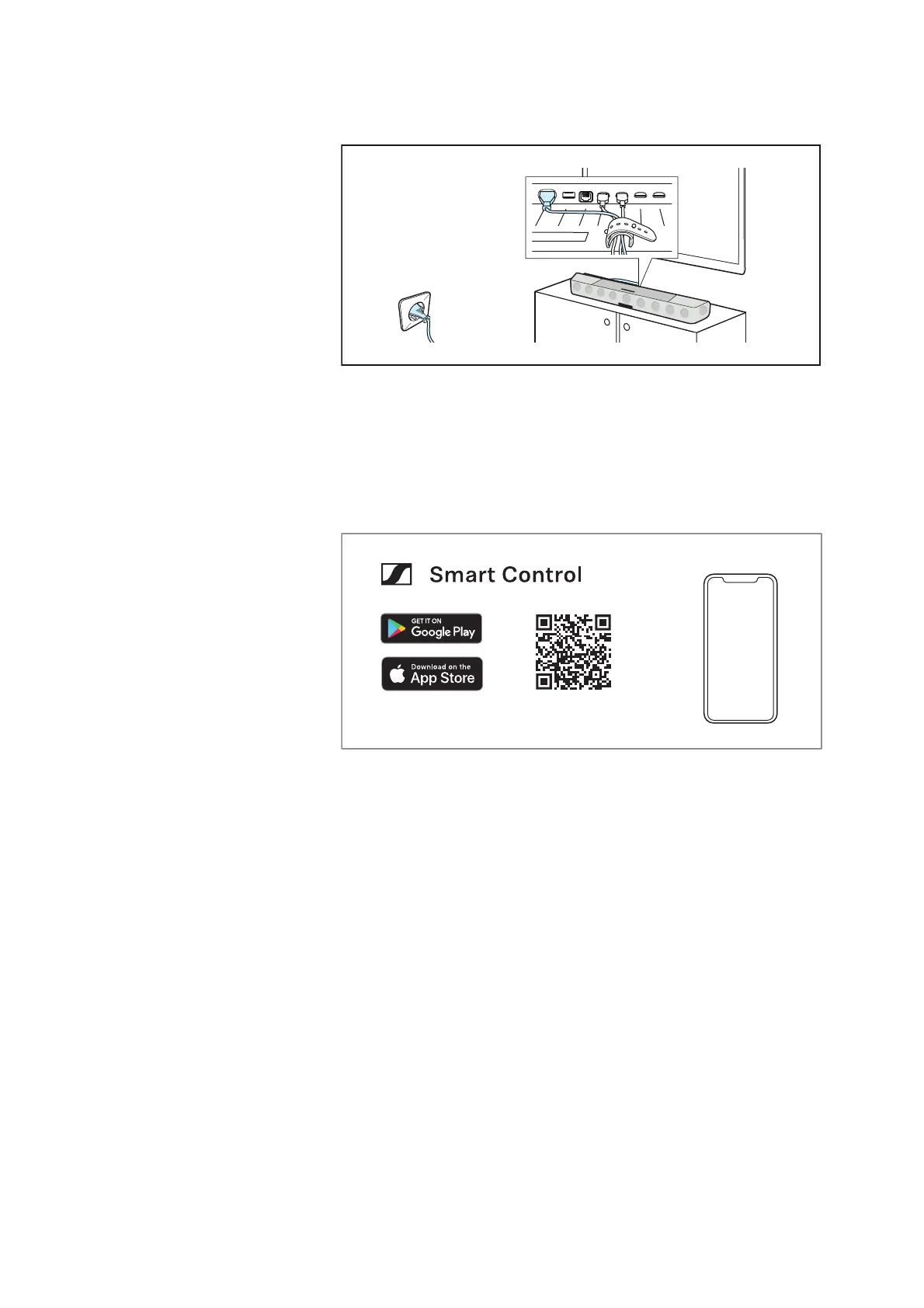
3. Connecting to the power supply system
Connect the AMBEO Soundbar | Max to the power supply system -
the AMBEO Soundbar
| Max comes to life and guides you through the
initial switch-on process (>
30).
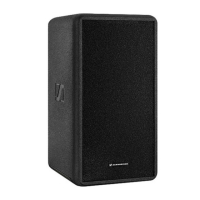
4. Installing the Smart Control app on your
smartphone and establishing a WiFi connection
The Sennheiser Smart Control app allows you to use all functions
and settings of the AMBEO Soundbar
| Max and to e.g. adjust the
sound to your liking using the equalizer (
> 43). After installation, you
will be further guided through the setup process such as WiFi, name
of the Soundbar and room calibration.
www.sennheiser-hearing.com/smartcontrol



 To Next Page