EW-DX EM 2 rack receiver
100
When using the BA 70 rechargeable battery, the remaining
runtime is also displayed in hours and minutes.
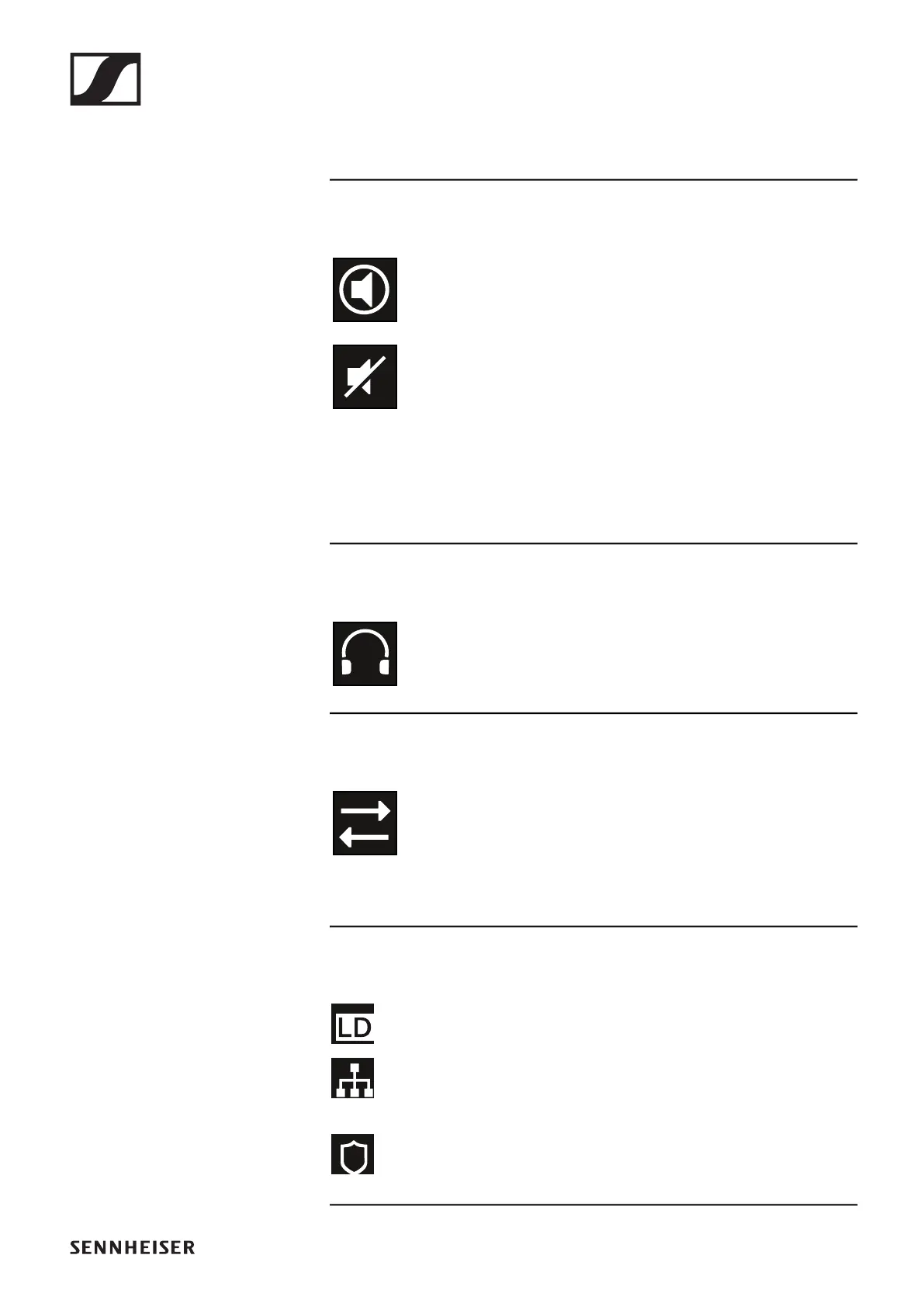
Mute mode:
The mute switch is deactivated on the received
transmitter.
The mute switch on the received transmitter is set to
AF Mute and the audio signal is muted.
▷ EW-DX SKM-S: „Configuring mute mode and muting the
handheld transmitter (EW-DX SKM-S only)“
▷ EW-DX SK: „Configuring mute mode and muting the
bodypack transmitter“
Headphones:
The headphones icon indicates which channel is
currently active on the headphone output (see „Us-
ing the headphone output“).
Sync state
This icon indicates that different values are set for
the receiving channel of the receiver and the trans-
mitter. These values can be synchronized (see „Con-
necting to the EW-DX EM 2 receiver / synchronizing
the EW-DX EM 2“).
System icons:
The LD icon is displayed when Link Density mode is ac-
tivated. See „System -> Link Density menu item“.
The network icon appears when a network connection is
successfully established. See „Connecting receivers in
a network“.
The shield icon is displayed when AES 256 encryption is
enabled. See „System -> Encryption menu item“.













 To Next Page