EW-DX EM 2 rack receiver
135
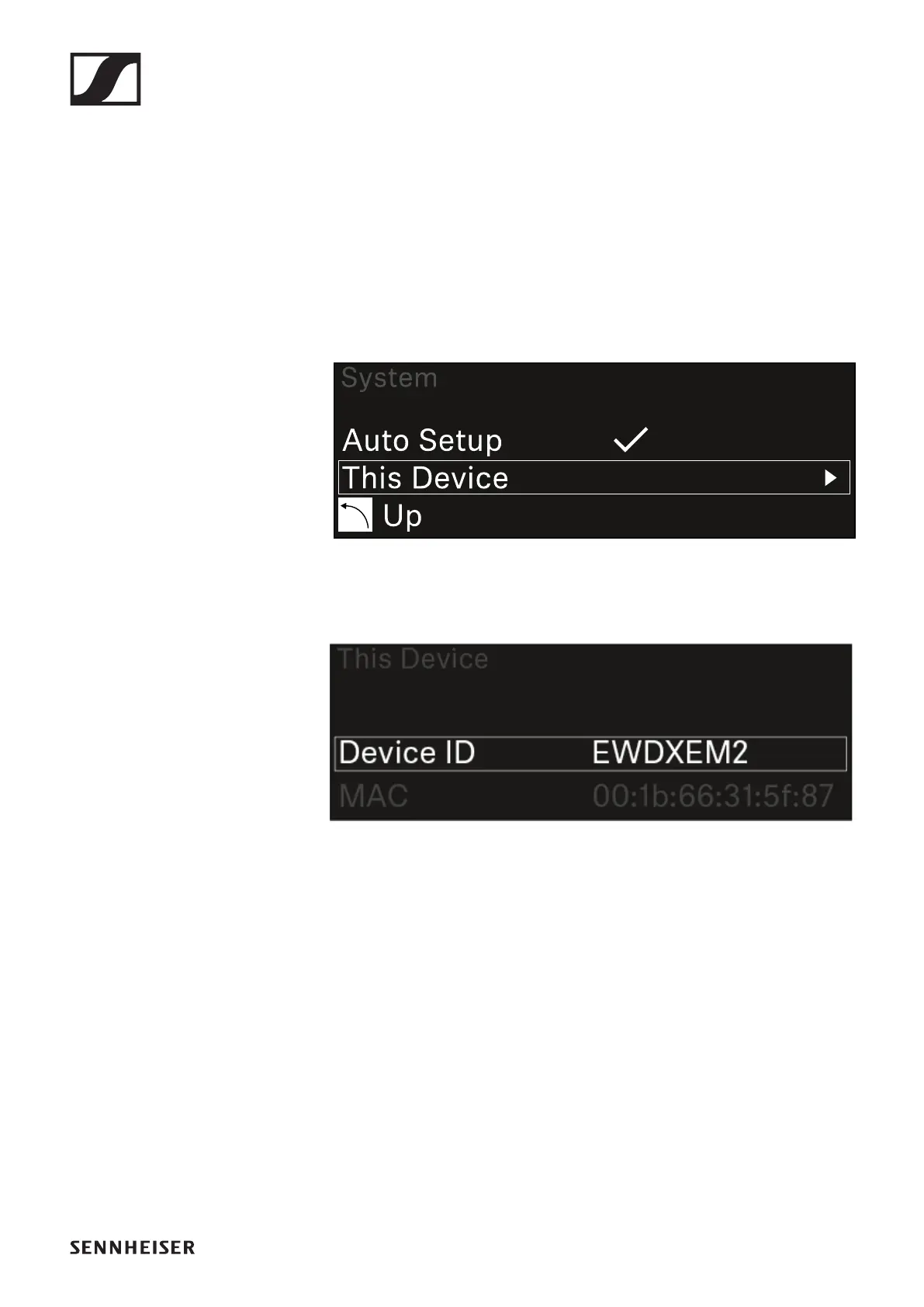
System -> This Device menu item
This menu item allows you to change the device name, view
software and hardware information, or reset the device to fac-
tory settings.
To open the This Device menu item:
▷ In the System menu, navigate to the This Device menu
item.
▷ Press the jog dial to open the menu.
The following view is displayed:
▷ Choose from the following:
• Device ID: Open this menu item to change the device name.
This receiver will be displayed in the network under this
name.
• MAC: Shows the MAC address of the receiver.
• Software: Shows the software version of the receiver.
• HW Main/HW Front/HW Tuner: Displays the hardware
versions of the boards installed in the receiver.
• Reset: Resets the receiver to factory settings.













 To Next Page