Using the transmitter
13
Using the transmitter
To establish a transmission link, proceed as follows:
1. Switch the transmitter on (see below).
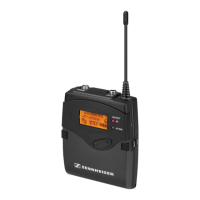
2. Switch the
EK 2000 IEM
receiver on (see the instruction manual of the receiver).
The transmission link is established.
If you cannot establish a transmission link between transmitter and receiver:
왘 Make sure that transmitter and receiver are set to the same frequency bank and to the
same channel.
왘 If necessary, read the chapter “If a problem occurs ...” on page 24.
Switching the transmitter on/off
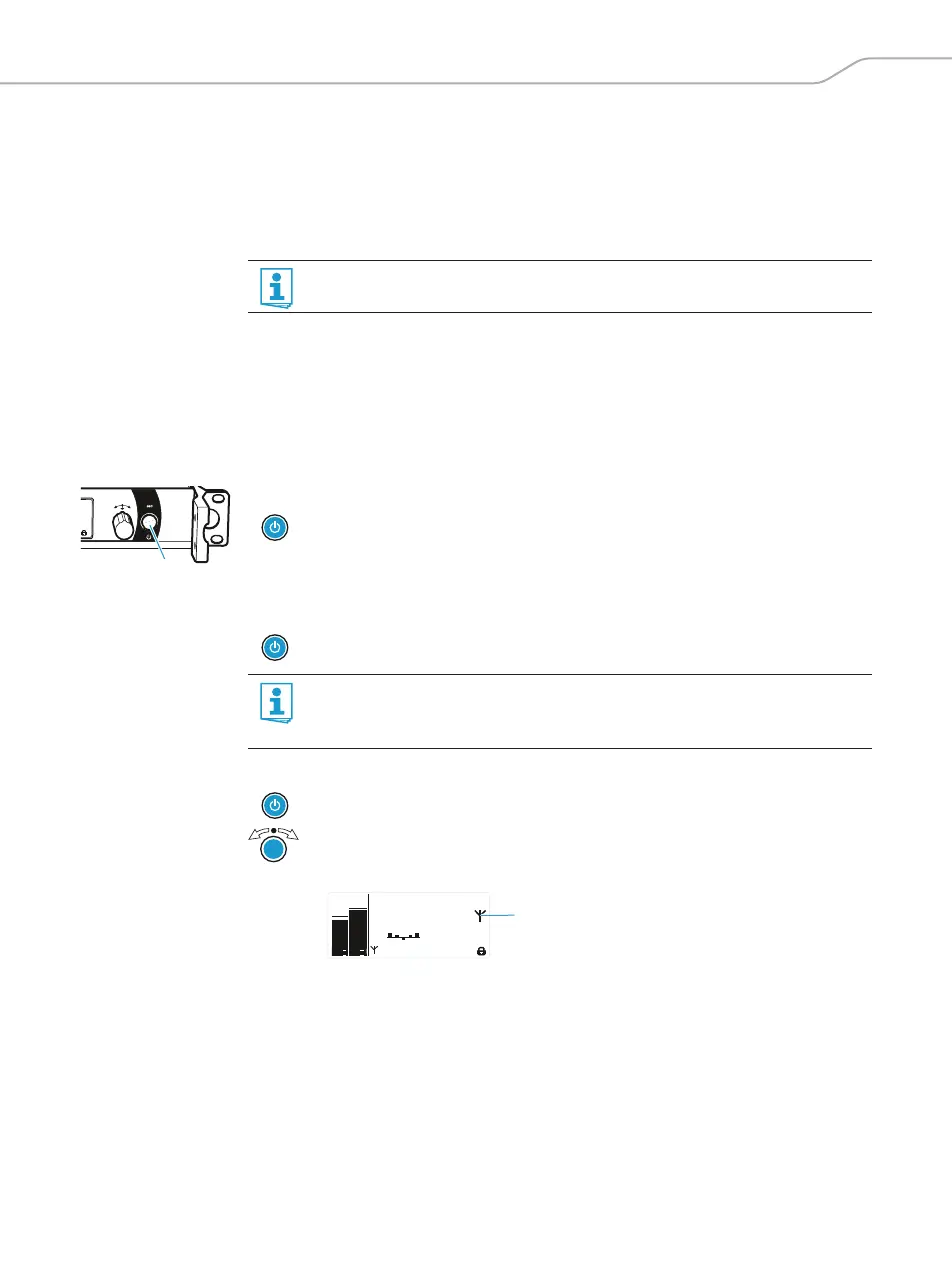
To switch the transmitter on (online operation):
To switch the transmitter to standby mode:
왘 If necessary, deactivate the lock mode (see page 14)
To switch the transmitter on and to deactivate the RF signal on switch-on (offline operation):
To completely switch the transmitter off:
왘 Disconnect the transmitter from the mains by unplugging the mains plug from the wall
socket.
The backlighting of the STANDBY button goes off.
It is vital to observe the notes on frequency selection on page 22.
왘 Briefly press the STANDBY button .
The transmitter switches on and the standard display appears.
The transmitter transmits an RF signal and the transmission icon
is displayed.
왘 Keep the STANDBY button pressed until “OFF” appears on the display panel.
The display panel switches off.
When in the operating menu, pressing the STANDBY button will cancel your entry
(ESC function) and return you to the standard display.
The STANDBY button is backlit in red both during operation and in standby mode.
왘 Press the STANDBY button until “RF Mute On?” appears on the display panel.
왘 Press the jog dial.
The transmission frequency is displayed but the transmitter does not transmit an
RF signal. The transmission icon
is not displayed
.
Standard -18dB
MHz
PEAK
-10
0
-20
-30
-40
PEAK
-10
0
-20
-30
-40
AF II
AF I
**2000**
552.300
B.Ch: 5.14
EQ









 To Next Page