Using the VMX 200
VMX 200 | 15
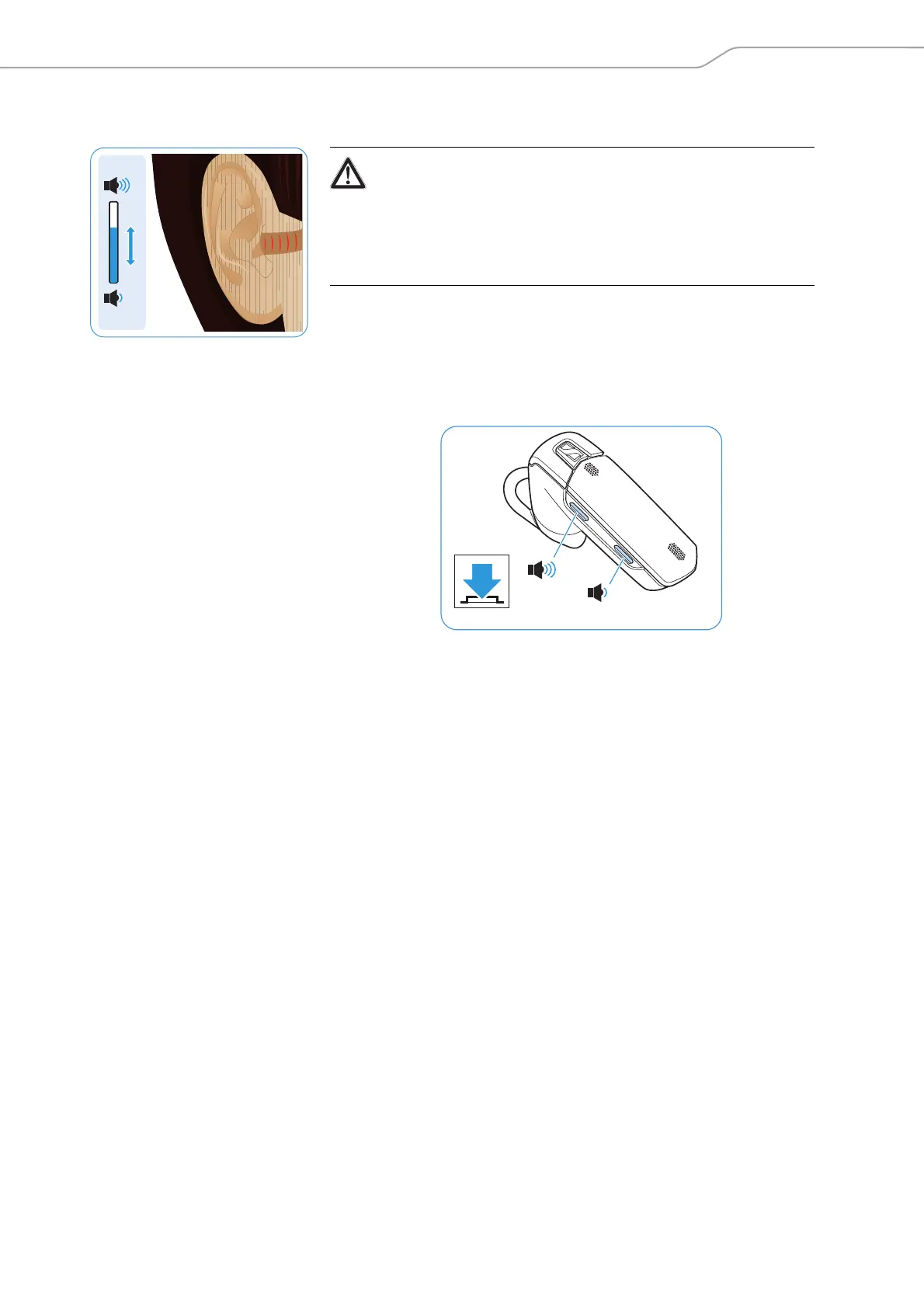
Changing the speaker volume
왘 Press the
– volume up button to increase the volume.
– volume down button to reduce the volume.
When the minimum or maximum volume is reached, you hear a beep in
the headset.
Vol +
Vol –
WARNING
Hearing damage due to high volumes!
Listening at high volume levels for long periods can lead to perma-
nent hearing defects.
왘 Set the volume to a low level before putting on the headset.
왘 Do not continuously expose yourself to high volumes.
Vol +
Vol –



 To Next Page