Using the VMX 200
16 | VMX 200
Making calls using the VMX 200
When your VMX 200 is connected to a mobile phone and you receive a call,
you hear a ring tone in the headset and the LED flashes blue 4 times per
second.
Managing one call
왘 Dial the number on your mobile phone.
If your mobile phone automatically transfers the call to the headset, you
hear a beep in the headset. If your mobile phone does not automatically
transfer the call to the headset, you have to press a button on your mobile
phone to transfer the call (see the instruction manual of your mobile
phone).
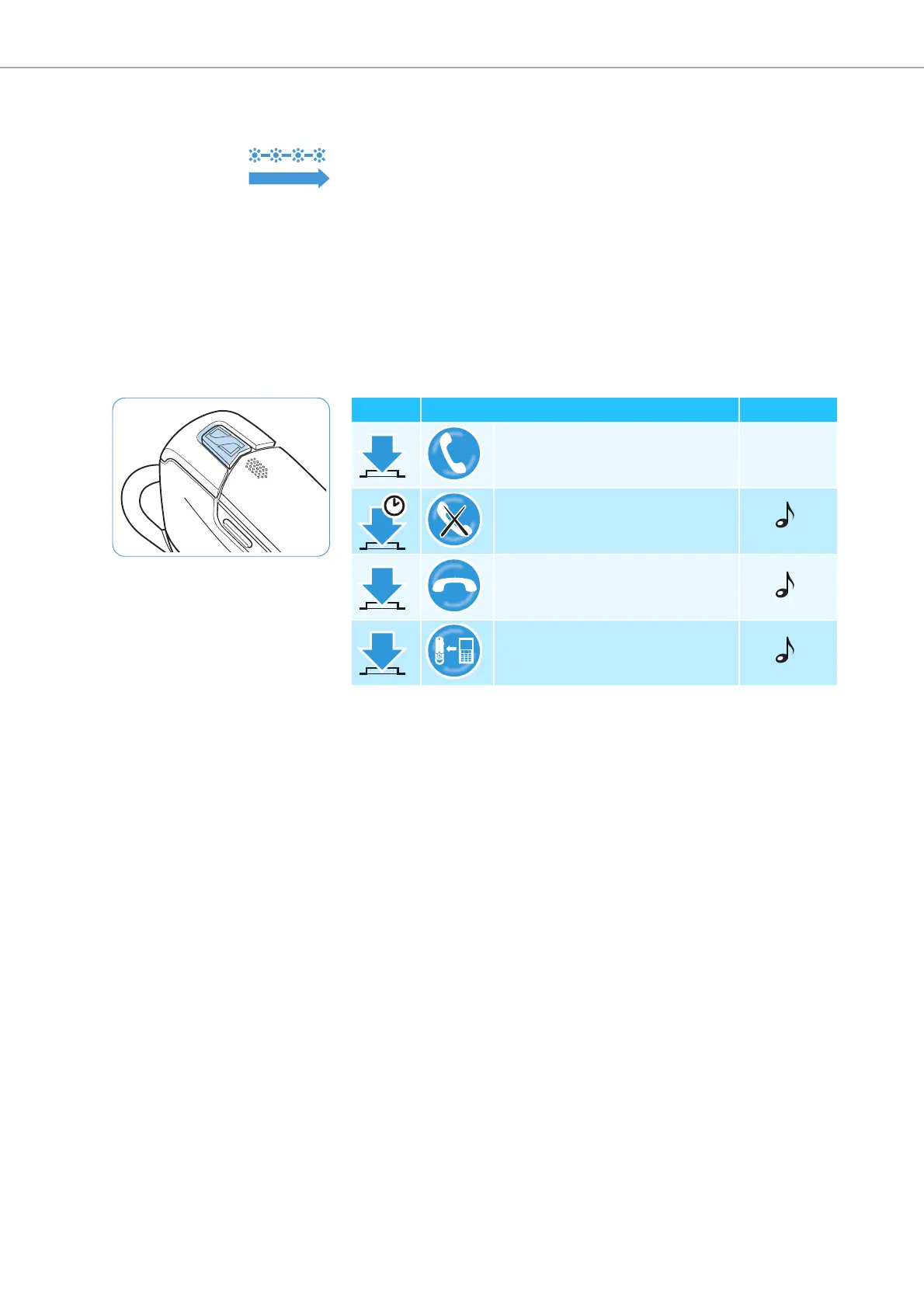
왘 Press the multi-function button:
1s
Duration Function Beep(s)
Accepts a call –
Rejects a call
Ends a call
Transfers an active call from the
mobile phone to the headset
1 s



 To Next Page