MT3401E.doc rev.0 21/05/13 Pagina 26 di 86
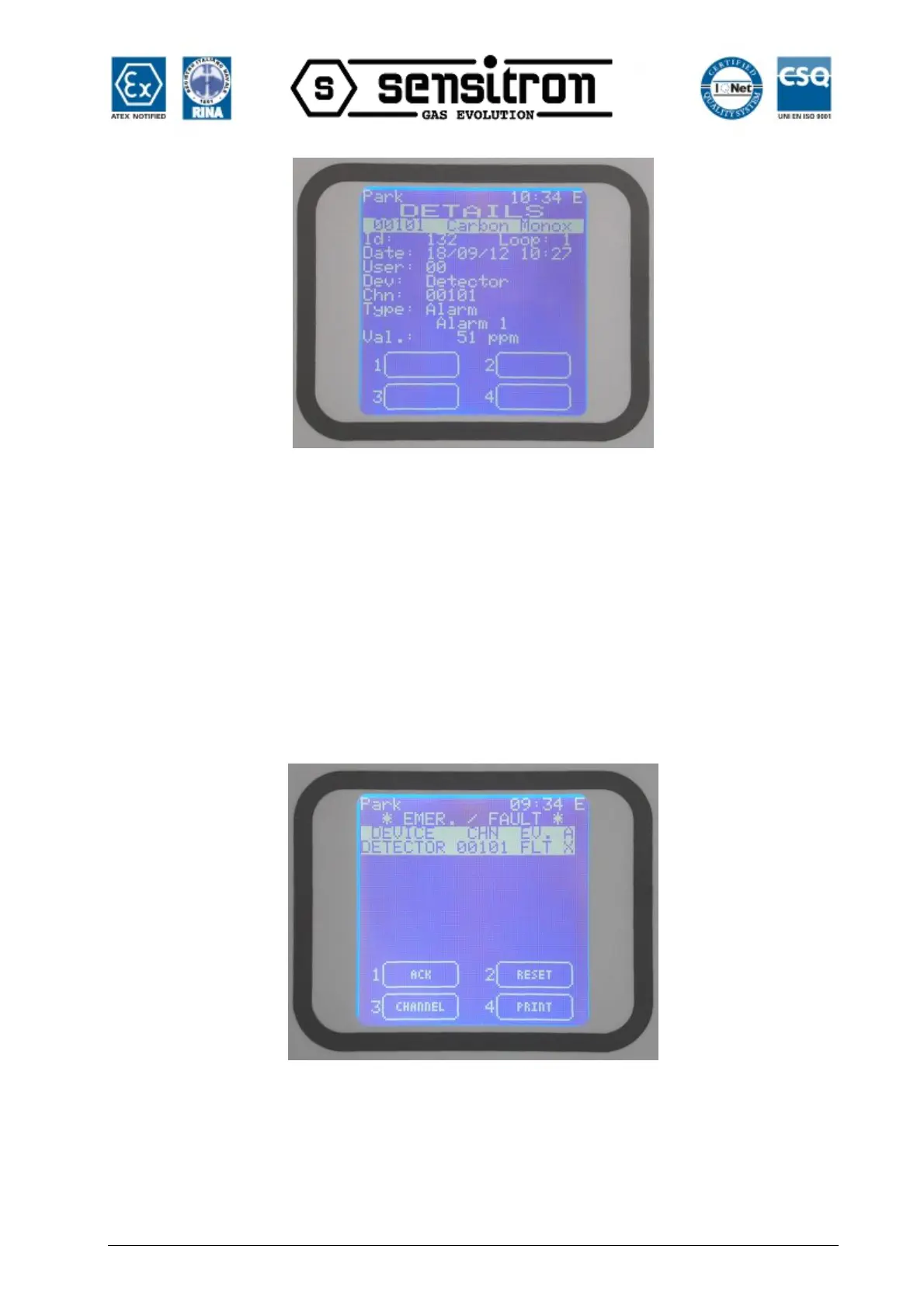
Fig. 3.2.1.c) ALARM details screen.
At any access level, by selecting in the main window the 1—Menu and than ACTIVE
EVENTS sub menu, it is possible to see the gas detectors in alarm state, or not yet
reset.
FAULT
The fault condition will be activated in the following situations:
1. Short circuit or open circuit in a detecting circuit
2. Removal of a remote gas detector or IN and OUT modules
3. Under-scale detection
4. Over-range detection
Fig. 3.2.1.d) Typical FAULT state of the ACTIVE EVENTS screen.
Pressing Enter key, with a fault event selected, a window is opening showing the details
of the related channel as in the next image:



 To Next Page