MT3401E.doc rev.0 21/05/13 Pagina 45 di 86
4) PC CONFIGURATION SOFTWARE
4.1) Introduction
The Configuration Software is an easy to handle user interface for each kind of
communication with the MULTISCAN++S1. The software is designed
to upload the actual configuration data of the system or the events log
to simplify each type of parameter change (e.g. alarm levels)
to download modifications to the MULTISCAN++S1
for maintenance
for the initial configuration of the MULTISCAN++S1 at Sensitron or by the installer
4.1.1) MINIMUN PC HARDWARE REQUIREMENTS
Operating System: Windows XP, Windows Vista or Windows 7
CPU: Pentium 3, 500Mhz
System Memory (RAM): 256MB
Hard Disk: 400MB free space
4.2) Installation
Inserire il CD-Rom e seguire le istruzioni
Un cavo seriale è necessario per connettere il PC alla centrale. La seriale può essere
una porta del PC oppure ricavata tramite un adattatore USB>seriale, se il PC è
sprovvisto di porta seriale.
4.3) Launching the program
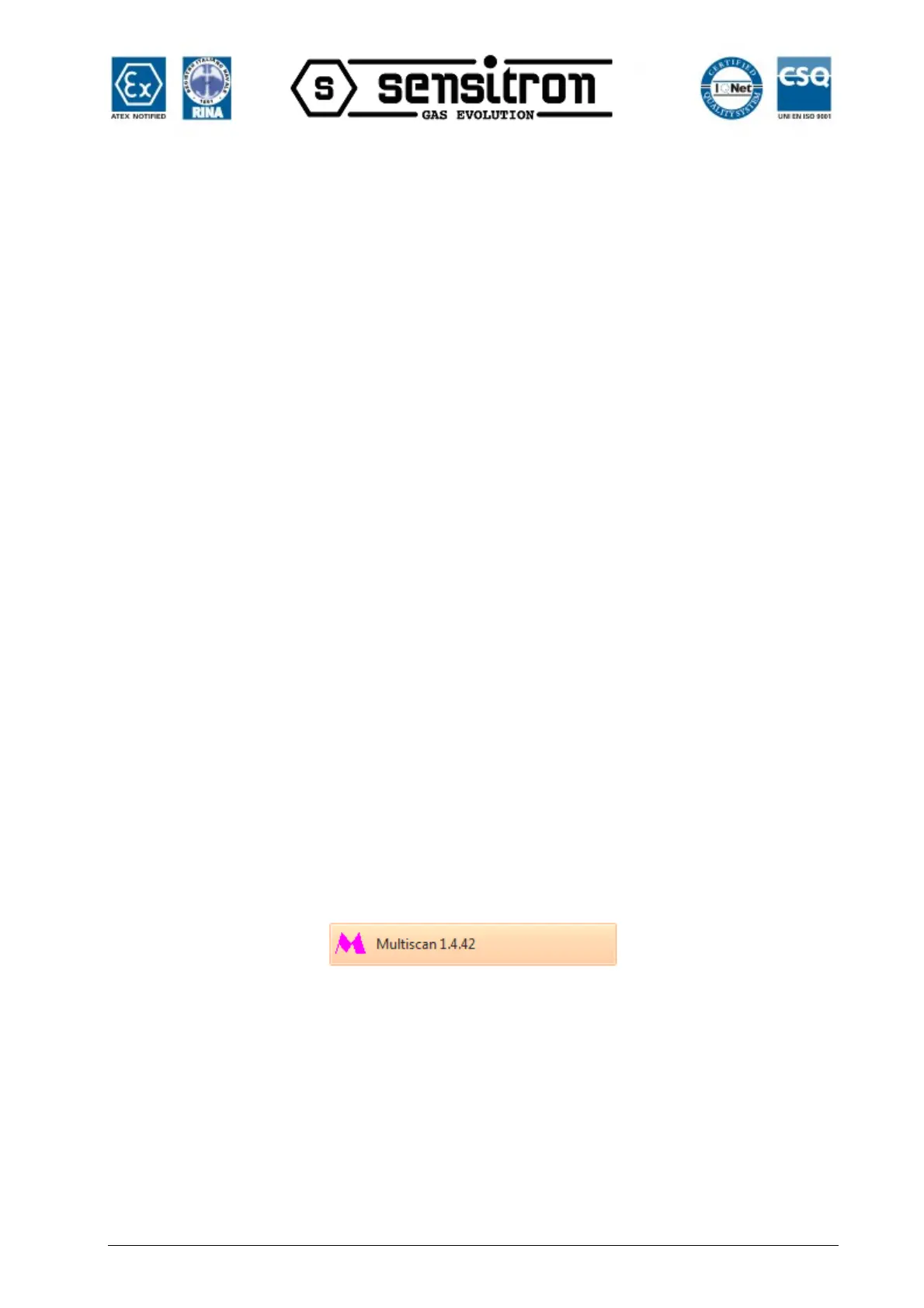
Launch the program from the Windows program bar by clicking on MULTISCAN x x xx
Fig. 4.3 a) Program name in the Windows list
The login window will appear. Each user must be authorised to use the program. See
chapter “Application User Management” in this manual to create users with relevant
permissions.
The first time the program is used after installation, the only user set is Sensitron with a
default password. The Sensitron user is the Administrator which is the highest level user
with permissions to access all program functions.
Thus, in the window shown in fig. 4.3 b)
User name: sensitron
Password: 543210



 To Next Page