MT3401E.doc rev.0 21/05/13 Pagina 46 di 86
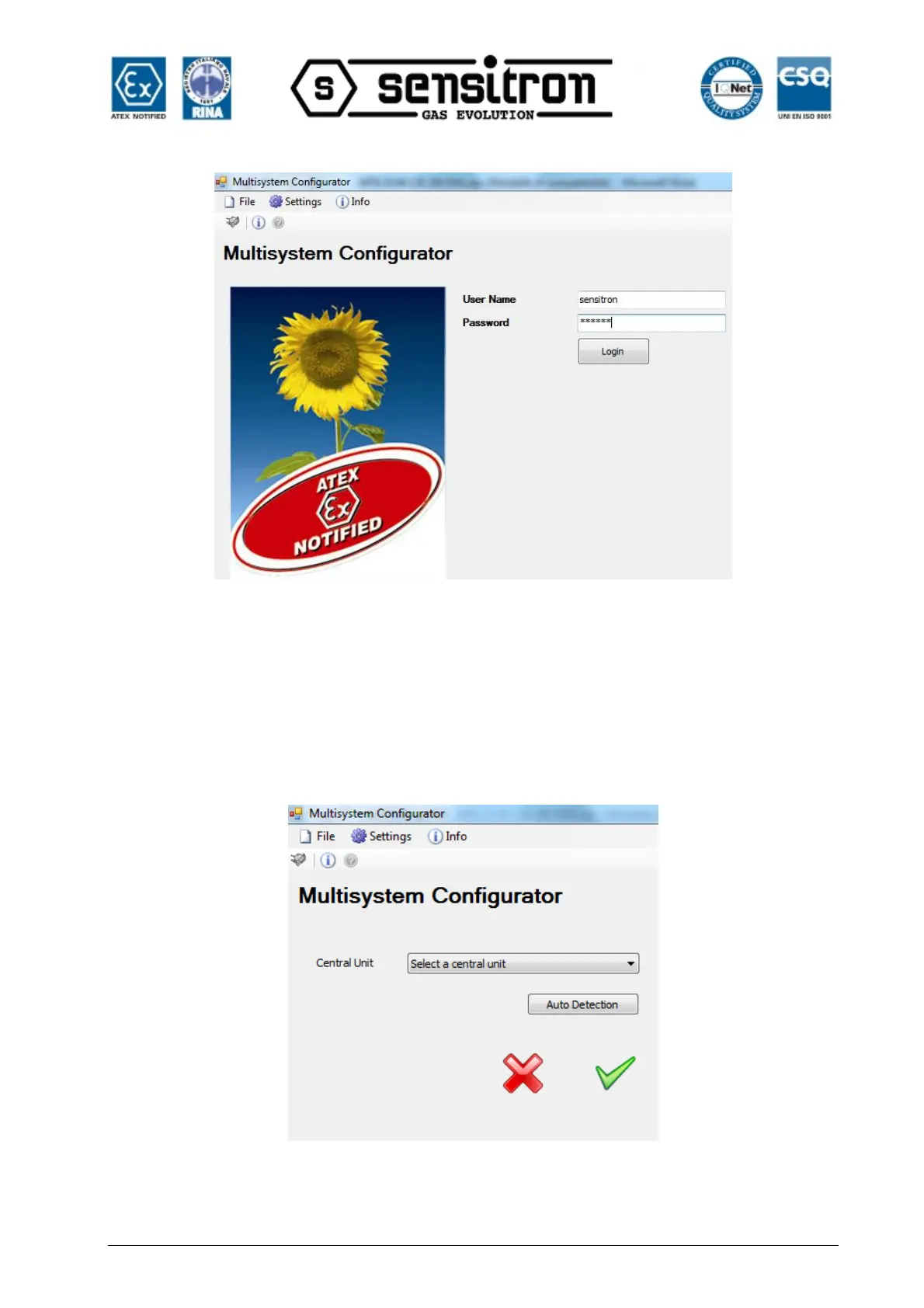
Fig. 4.3 b) Program Login screen.
After logging in, the user name is displayed at the top left corner of the screen. Visible
options depend on the level of the user who logged in (see chapter “Application User
Management”). Figure 4.3.2 c shows the options enabled for the Sensitron user in the
program homepage.
4.3.1) Control panel selection
Once logged in, the unit selection screen appears. The unit type can be selected from
the list.
Fig. 4.3 1 a) Panel selection screen



 To Next Page