MT3401E.doc rev.0 21/05/13 Pagina 48 di 86
4.3.2) Program homepage
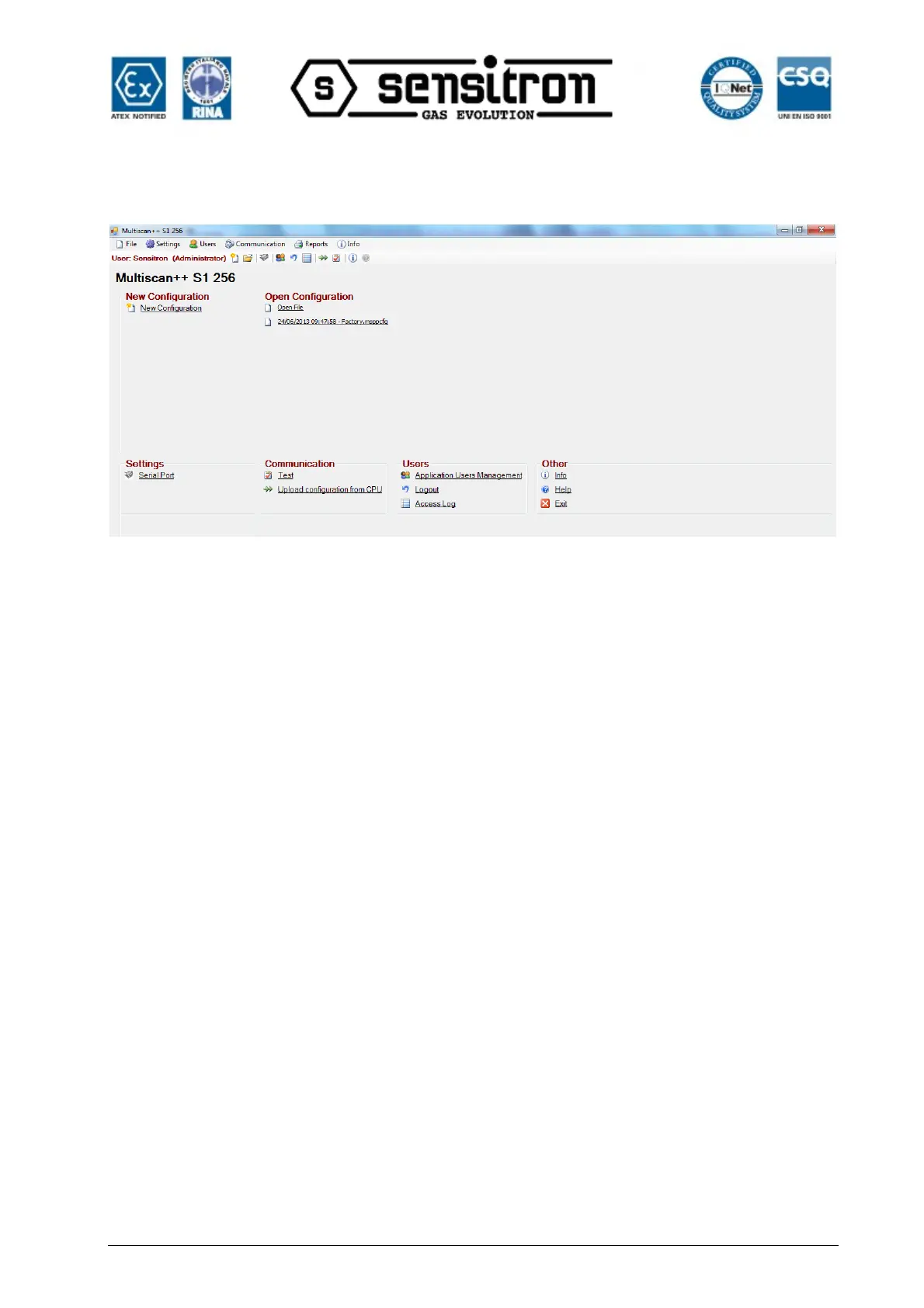
Fig. 4.3.2 a) Program homepage (Administrator level user)
New configuration to create a new system configuration
Open file to open an existent configuration
Serial port to set a PC serial port for data transfers to and from the
connected CPU
Test to test PC serial > CPU connections
Upload configuration from CPU to upload a configuration from the CPU
Application Users Management user and permission settings
Logout To logout the user
Access Log Displays the login and logout log
Info Displays the program version
Help Help online (to be implemented in the future)
Exit To exit the program
4.4) Program menu
The various program functions are only visible if the user who logged in has the
permissions to use them.
Configuration software includes plausibility checks on edited and new parameters.
The following chapters list program menus and describe their functions.



 To Next Page