MT3401E.doc rev.0 21/05/13 Pagina 55 di 86
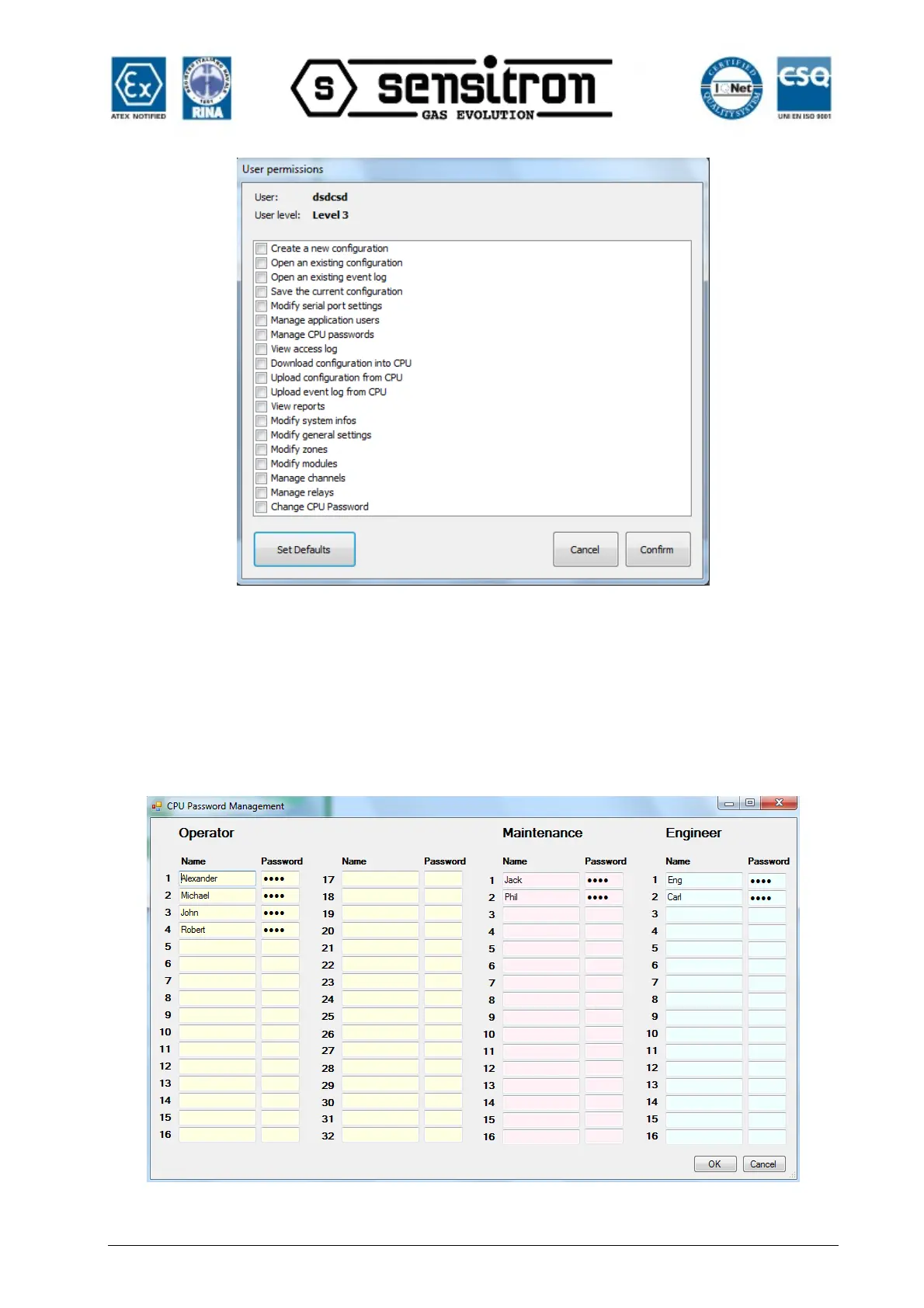
Fig. 4.4.3 d) User Permissions settings window
Flag the various boxes to enable the relevant function for the user. Click “Set Default”,
according to the user level being set (Level 1, 2 or 3), a preset selection of enabled
functions are automatically assigned to the user (which can always be edited).
Click “CPU Password Management” to set MULTISCAN++S1 control panel users and
relevant operating levels (Operator, Maintenance and Engineer).
Fig. 4.4.3 e) MULTISCAN++S1 user settings window



 To Next Page