MT3401E.doc rev.0 21/05/13 Pagina 74 di 86
specified the information within the TAB is empty (see left bottom corner of the Fig.
4.5.5 f above).
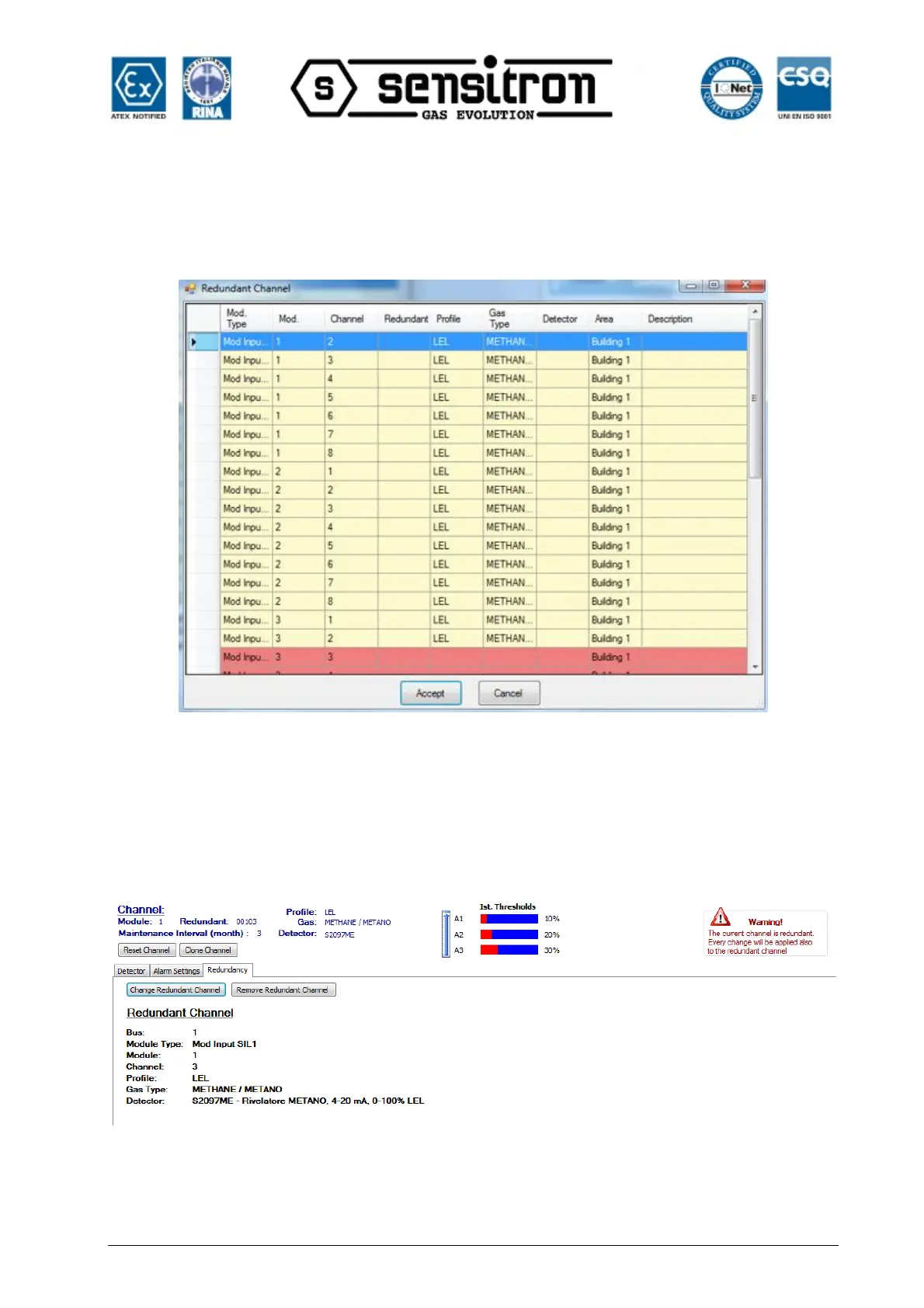
After touching the button “Add Redundant Channel” the right screen occurs.
Fig. 4.5.5 g) List for choosing the redundant channel
Chose the Redundant channel and confirm by Accept.
If the chosen Redundant channel has a different configuration, the configuration will be
automatically modified, matching the configuration of the other channel (a small
message will appear at the right part of the screen)



 To Next Page