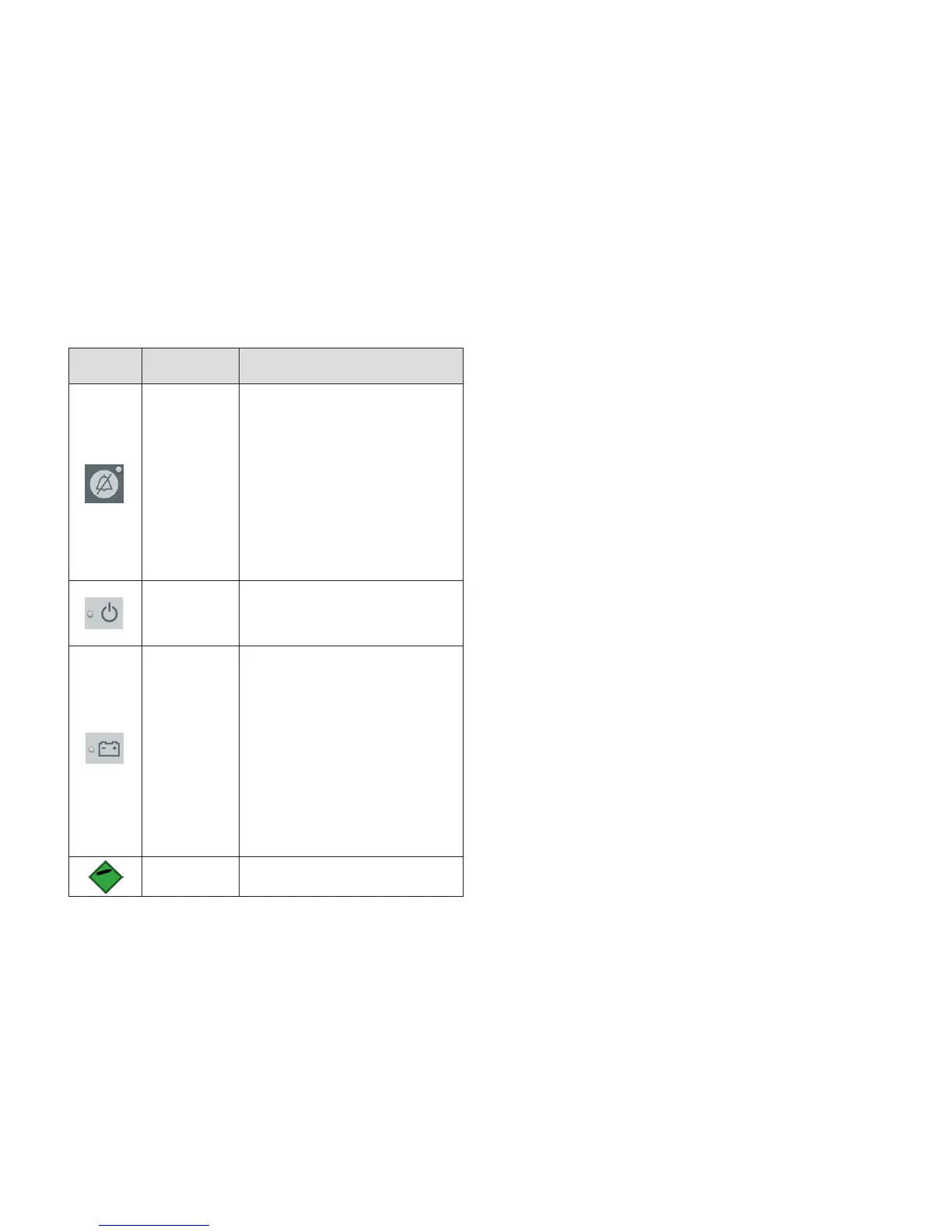
Symbol Name Description of Symbol
Audio
Paused/
Audio Off
Indicator
(On SDM front
panel)
LED yellow: Auditory alarm signals
paused for 1 or 2 minutes
LED flashes yellow: Auditory alarm
signals permanently switched off
(activated by pressing ‘AUDIO
PAUSED/AUDIO OFF Button’ > 3
seconds)
LED off: Auditory alarm signals
either active or permanently
switched off by setting menu
parameter ‘Alarm’ to OFF.
On/Off
Indicator
(On SDM front
panel)
LED green: SDM turned ON
LED off: SDM turned OFF
AC Power/
Battery
Indicator
(On SDM front
panel)
LED green: Connected to AC
power, battery fully charged
LED yellow: Connected to AC
power, battery charging
LED off: Not connected to AC
power (i.e. powered by internal
battery)
Note: The AC Power/Battery
Indicator functions irrespective
of the SDM being switched ON or
OFF.
Compressed
Gas
Warning safety sign to indicate the
product contains compressed gas



 To Next Page