Sentry SBC Controller Original Instructions 15
Contact Us
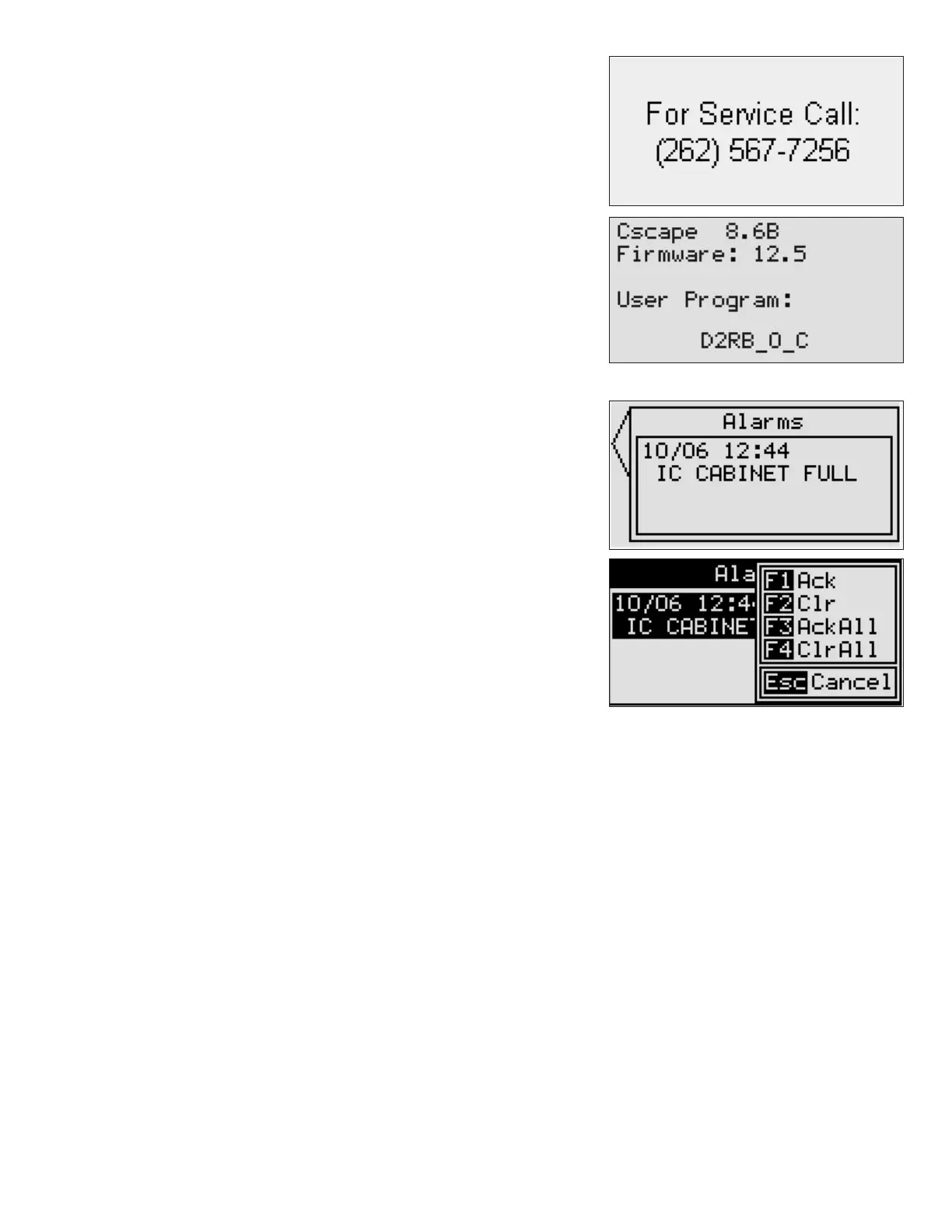
If a problem should arise with the sampler or controller, please contact
Sentry at the number listed on the screen as shown below.
Conguration
This selection is password protected and is for factory use only.
Software
The Software screen lists the revisions for the loaded software.
Alarm Function
The Alarms Screen records all alarms with a time and date stamp along with
a description of the alarm.
Press the soft key next to the screen arrow (top Left) twice to get the alarm
function keys. At this point, the function keys will no longer perform the
function described on the keys; they have been switched over to the Alarm
Functions.
Pressing F1 (AUTO) will acknowledge the alarm: F2 (Remote) will clear the
alarm. If multiple alarms are active, F3 (OFF) will acknowledge all of the
alarms and F4 (Purge) will clear all of the alarms. Acknowledging the alarm
maintains the record on the alarm screen. Clearing an alarm removes it from
the alarm screen.
If the condition causing the alarm is still present, acknowledging or clearing
the alarm will not aect the condition and the program will continue to
react to the alarm state.
Purge Function
Some samplers have a purge option. The Purge command key on the controller allows manual activation of the Purge
solenoid. The solenoid remains energized and air ows through the sampler for as long as the Purge key is held down.
Stopping the controller
To stop the program and return the sample probe to the home position, press the OFF key. The sampler will nish its
current cycle and then return to the home position.


 To Next Page