SolaStat™-1-3 Installation Guide
Version 1.1 – April 2013 Page 25
PROGRAMMING THE SOLASTAT™, CONTINUED
Completing
and storing
the
Programming
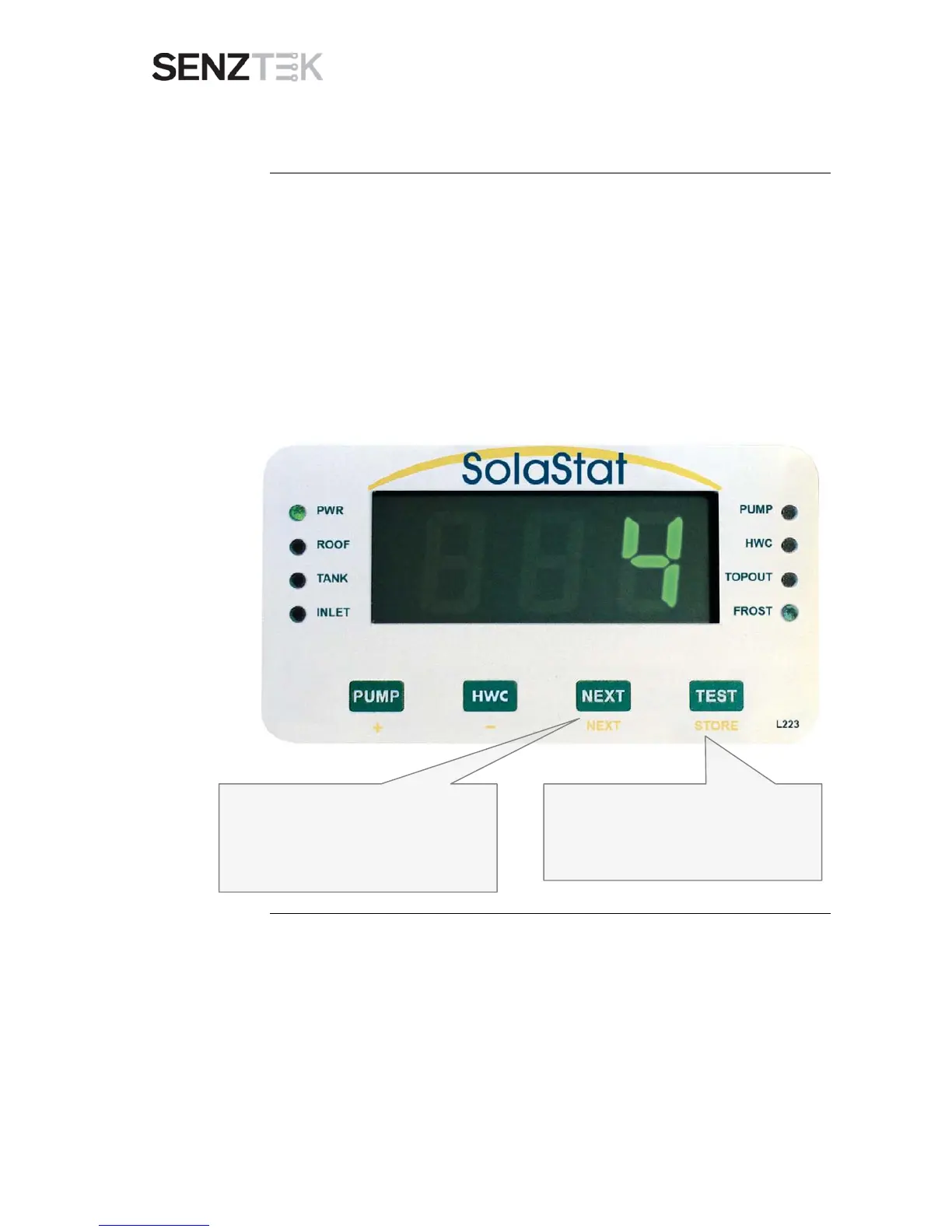
All values are now stored. You can check the values simply by continuing to
press the NEXT key to scroll repeatedly through all the values set.
When you are sure all the values are correct, write these values down in the
table within the User Guide.
Now press STORE. This will permanently save those values to memory.
The unit will then return to automatic operation. (NB if no key is pressed
during programming for a full minute, the unit will save and exit
automatically).
When you are satisfied with all the
programmed values, press STORE to save
all values and exit programming mode to
automatic operation.


 To Next Page