SolaStat™-1-3 Installation Guide
Version 1.1 – April 2013 Page 24
PROGRAMMING THE SOLASTAT™, CONTINUED
Selecting
Celsius or
Fahrenheit
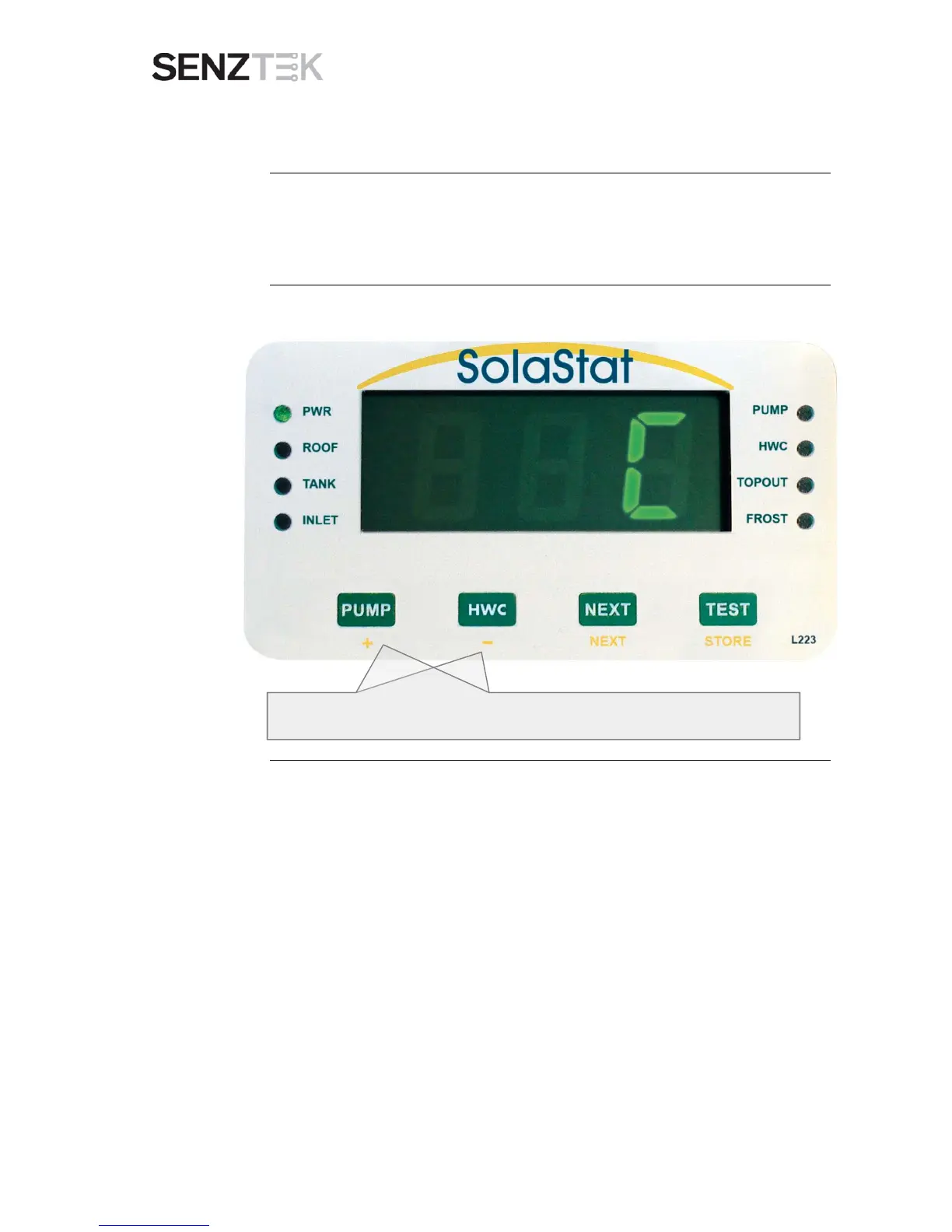
You can select whether temperatures are given in Celsius or Fahrenheit
using the next programmable value.
Use the + or – button to toggle the setting between Celsius and Fahrenheit.
Continued on next page


 To Next Page