Explorer MX-HD Install and Setup Guide
700-0159
R003 37
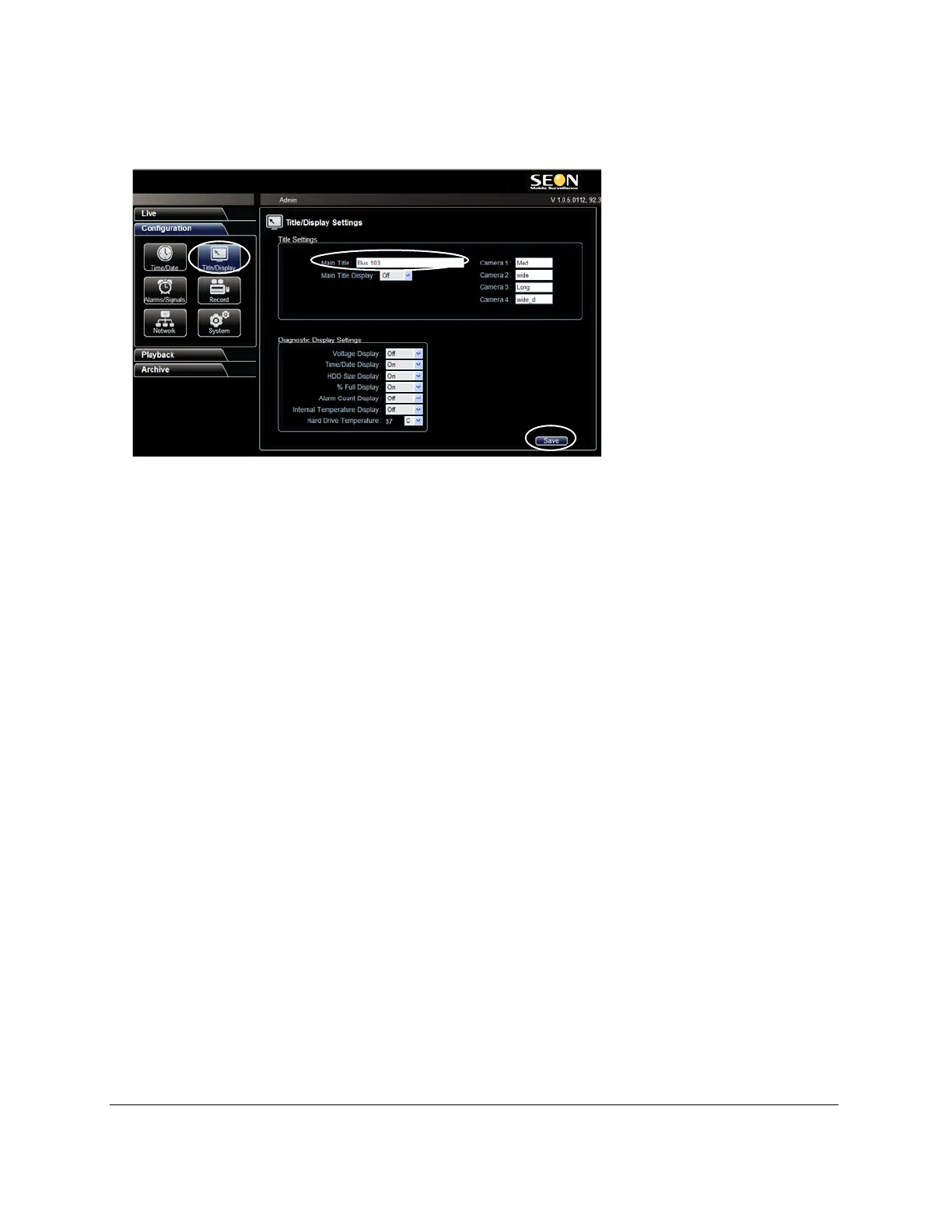
16 In the Titles/Display menu, update the text in the Main_Title field.
17 Click Save to save the settings to the DVR.
18 Power down and restart the DVR.
19 Login with vMax Web and refresh the vMax Web browser view.
20 Confirm that the new configuration settings are in place.
Figure 52
vMax Web Titles and Display Menu



 To Next Page