Explorer MX-HD Install and Setup Guide
700-0159
R003 45
Titles and Display Menu
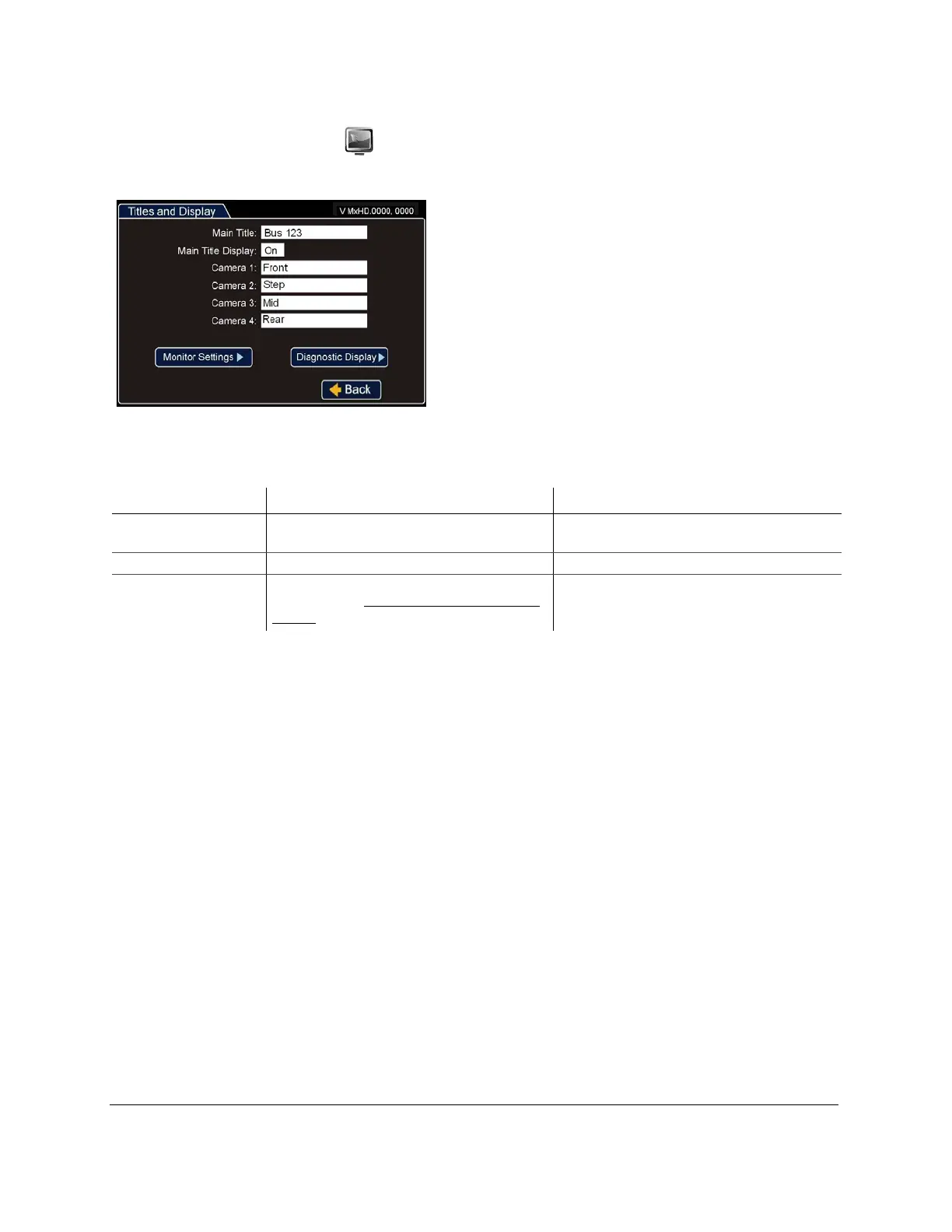
Use the Titles and Display menu to set the main title, camera titles, and other camera view overlay options.
Figure 61
Titles and Display Menu
Table 5
Titles and Display Configuration Items
Menu Item Description Value [Default]
Main Title Set a title. [Main_Title]
Maximum 32 characters
Main Title Display Show or hide the main title display. [On], Off
Camera 1 to Camera 4 Set a title. For the HD camera title and other
settings, see the HD Camera Settings Menu, on
page 57.
[Camera01] to [Camera04]
Maximum 8 characters



 To Next Page