Explorer MX-HD Install and Setup Guide
700-0159
R003 43
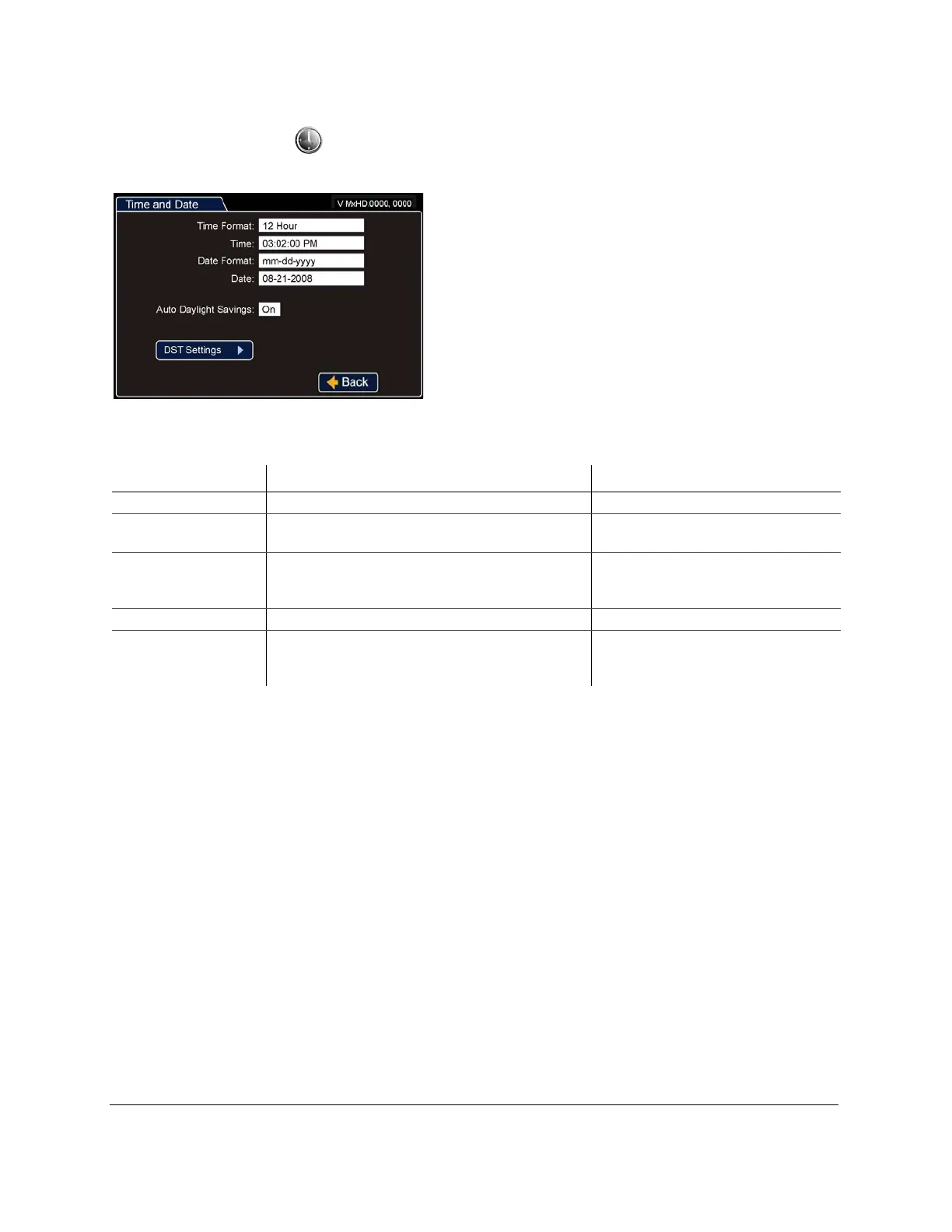
Time and Date Menu
Use the Time and Date menu to set the time and date settings and Auto Daylight Savings settings.
Figure 59
Time and Date Menu
Table 3
Time and Date Configuration Items
Menu Item Description Values [Default]
Time Format Set the time in 12-hour or 24-hour format. [12 Hour], 24 Hour
Time Set the time for the DVR. 12:00 am to 11:59 pm for 12 Hour format,
00:00 to 23:59 for 24 Hour format
Date Format Set the preferred date format. [mm-dd-yyyy],
dd-mm-yyyy,
yyyy-mm-dd
Date Set the date for the DVR. Depends on selected Date Format setting.
Auto Daylight Saving Auto Daylight Saving set to On automatically adjusts
the internal clock to daylight saving time. The times and
dates can be adjusted as required.
[On], Off



 To Next Page