Explorer MX-HD Install and Setup Guide
44
700-0159
R003
DST (Daylight Savings Time) Settings Menu
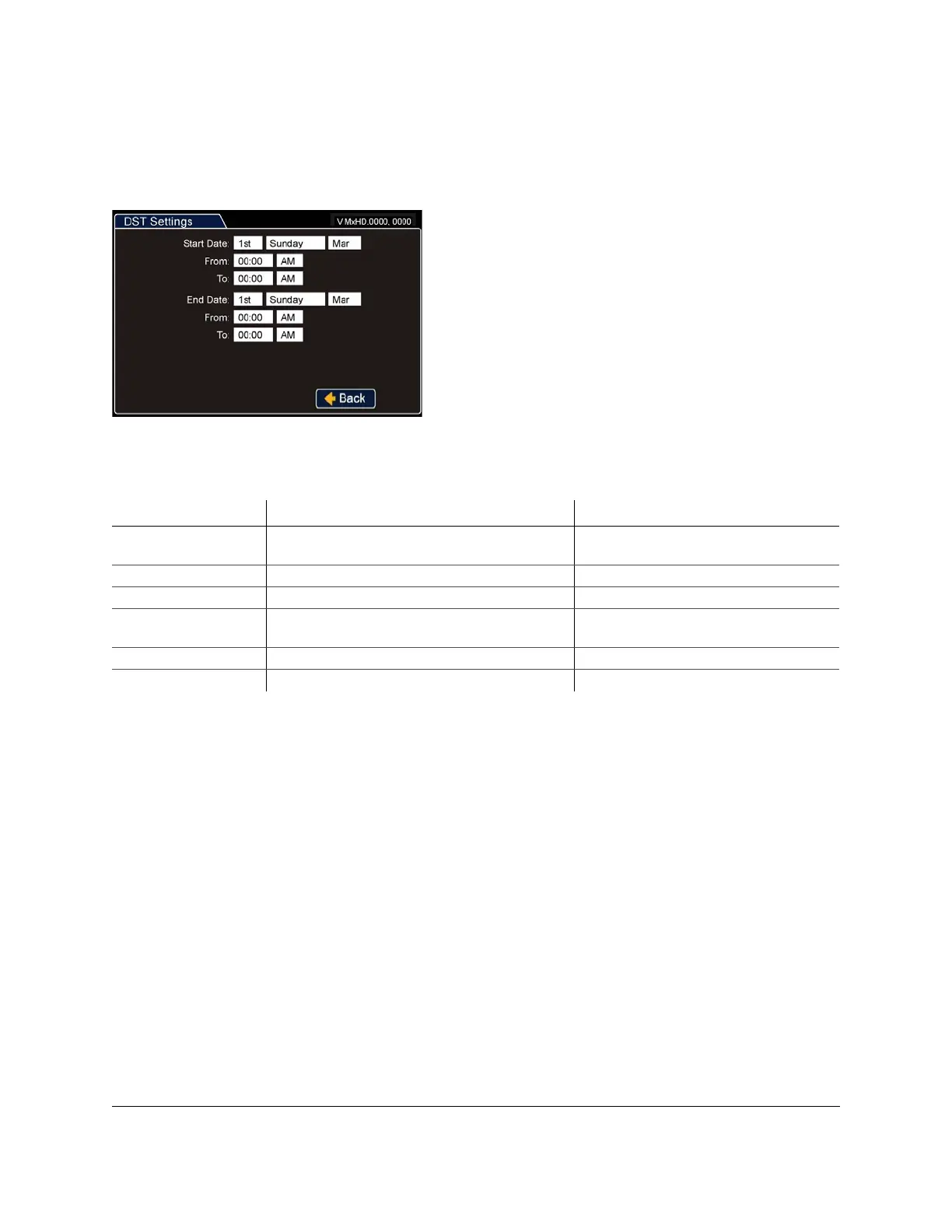
Configure the start date or end date settings for daylight savings. The DST Settings sub-menu is shown in
Figure 60.
Figure 60
DST Settings Menu
Table 4
DST Settings Configuration Items
Menu Item Description Values [Default]
Start Date Set the week, day, and month for daylight saving to
start.
[2nd Sunday Mar]
From Set the time for daylight saving to start. [02:00 AM]
To Set the time for daylight saving to end. [03:00 AM]
End Date Set the week, day, and month for daylight saving to
end and return to Standard Time.
[1st Sunday Nov]
From Set the time for daylight saving to start. [02:00 AM]
To Set the time for daylight saving to end. [01:00 AM]



 To Next Page