Explorer MX-HD Install and Setup Guide
40
700-0159
R003
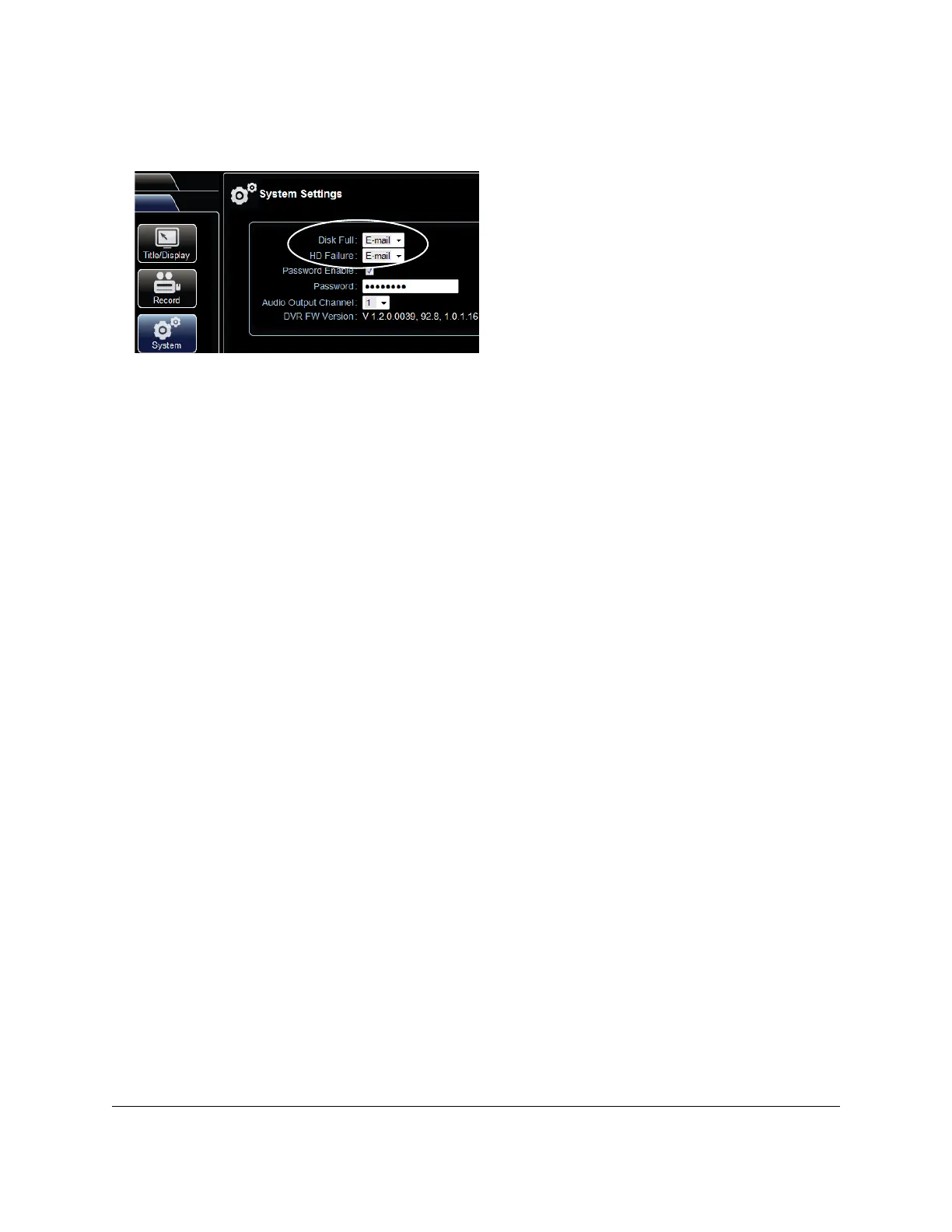
3 In the System menu, select E-mail from the Disk Full and HD Failure drop down menus.
4 Click Save.
If the configured alarm or system events occur, the email will be sent when the DVR is within range of
a Smart-Reach access point.
Figure 56
EX/TR series DVR Configure tab



 To Next Page