Explorer MX-HD Install and Setup Guide
700-0159
R003 61
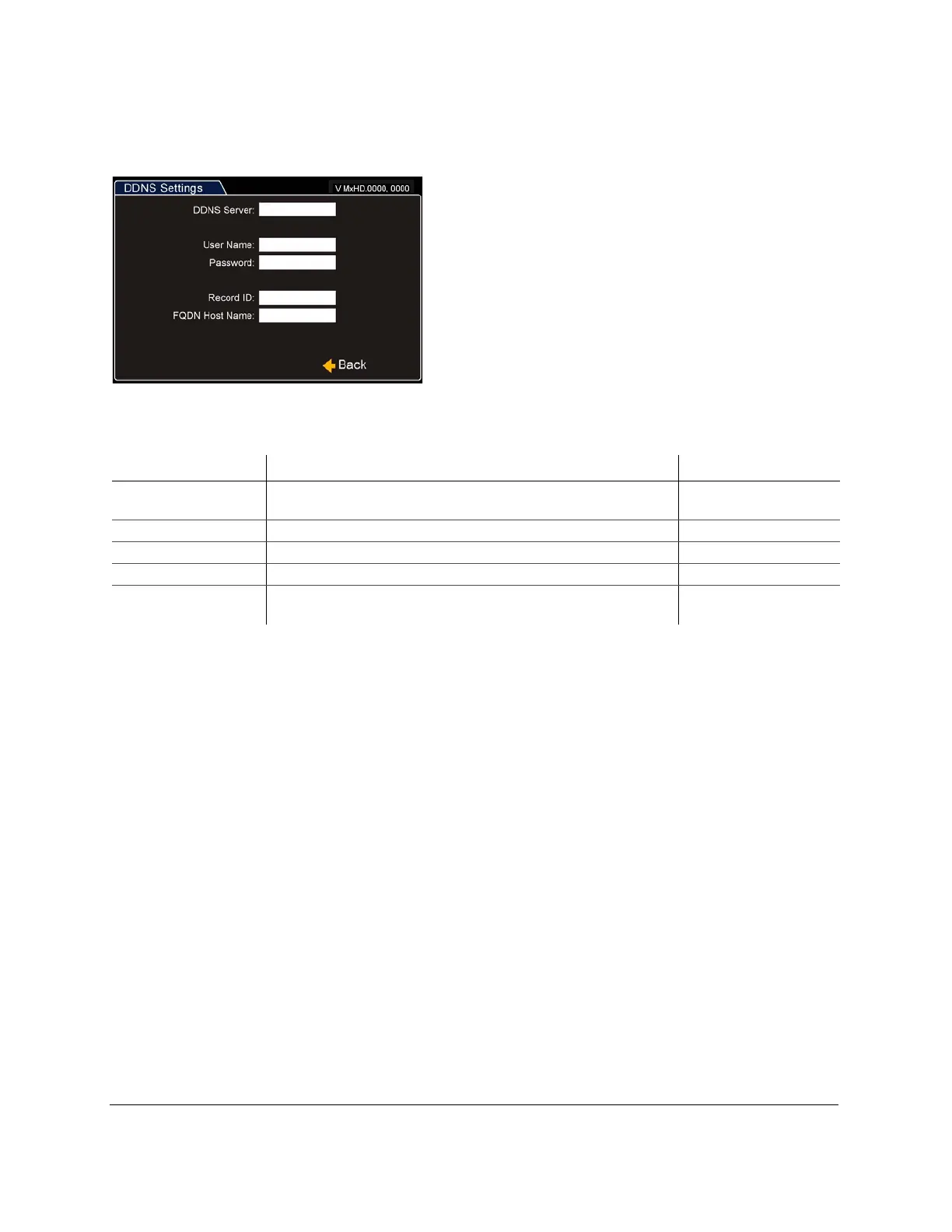
DDNS (Dynamic Domain Name Server) Settings
[
Figure 78
DDNS Settings Menu
Table 21
DDNS Settings Configuration Items
Menu Item Description Value [Default]
DDNS (Dynamic
Domain Name Server)
DynDNS currently supported. Maximum 64 characters
User Name Set the user name. Maximum 32 characters
Password Set the password. Maximum 32 characters
Record ID This is typically a numeric string. Maximum 16 characters
FQDN Host Name The fully qualified domain name for the host. I.e.
mydvr.myname.dyndns.com
Maximum 64 characters



 To Next Page