Explorer MX-HD Install and Setup Guide
700-0159
R003 65
E-mail Settings Menu
The E-mail Settings feature requires network connectivity. See
Network Settings Menu, on page 59
.
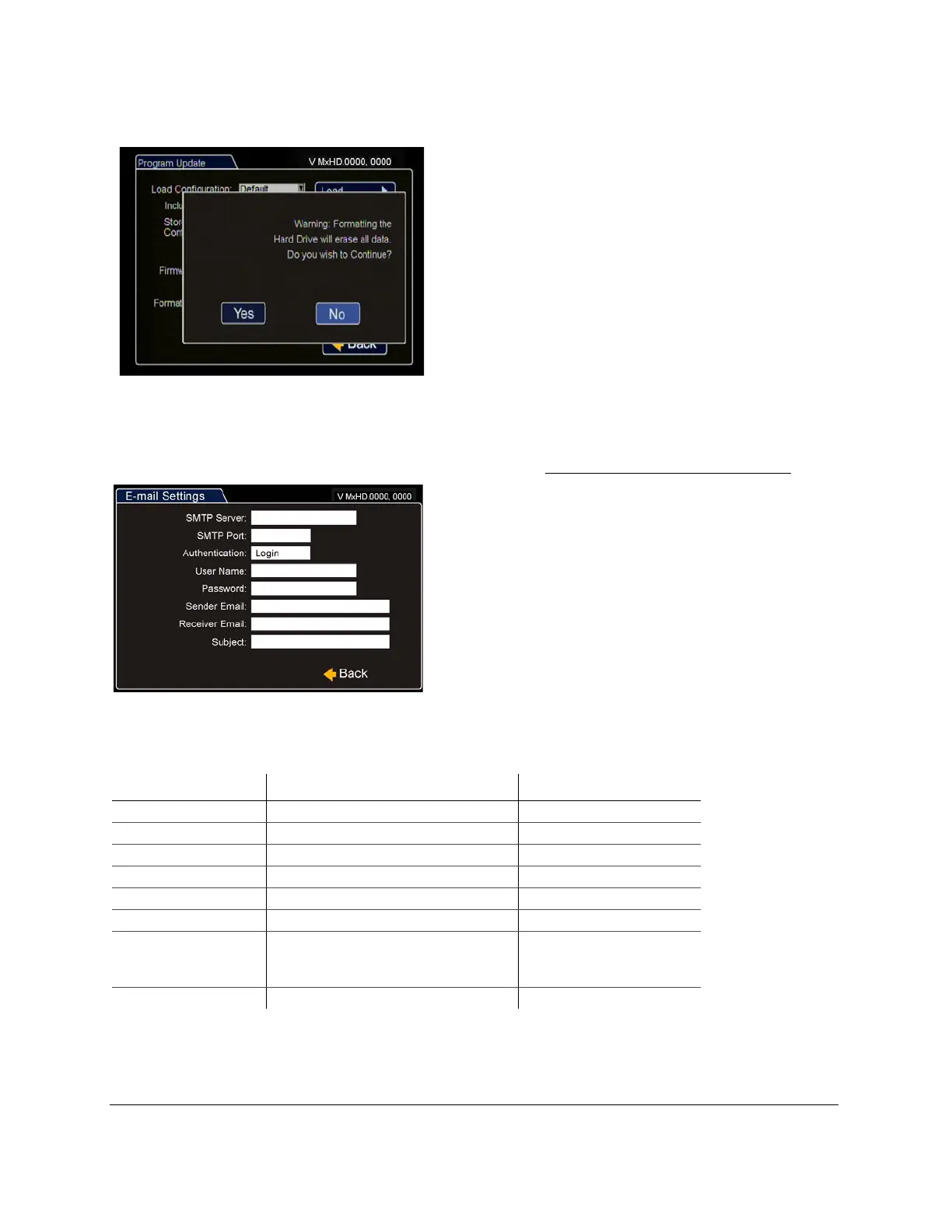
Figure 84
Formatting the Hard Drive Message
Figure 85
Email Settings
Table 24
Email Settings Configuration Items
Menu Item Description Value [Default]
SMTP Server Set the server name. Maximum 32 characters
SMTP Port Set the SMTP port. [25], 1 through 9999
Authentication Set the authentication. Login, [None]
User Name Set the user name, when Login is selected. Maximum 32 characters
Password Set the password, when Login is selected. Maximum 32 characters
Sender Set the sender e-mail. Maximum 64 characters
Receiver Set the receiver e-mail. Maximum 32 characters,
separate multiple addresses
with , or ;
Subject Set the subject. Maximum 32 characters



 To Next Page