vMax Web Operation
700-1015 R002 3–7
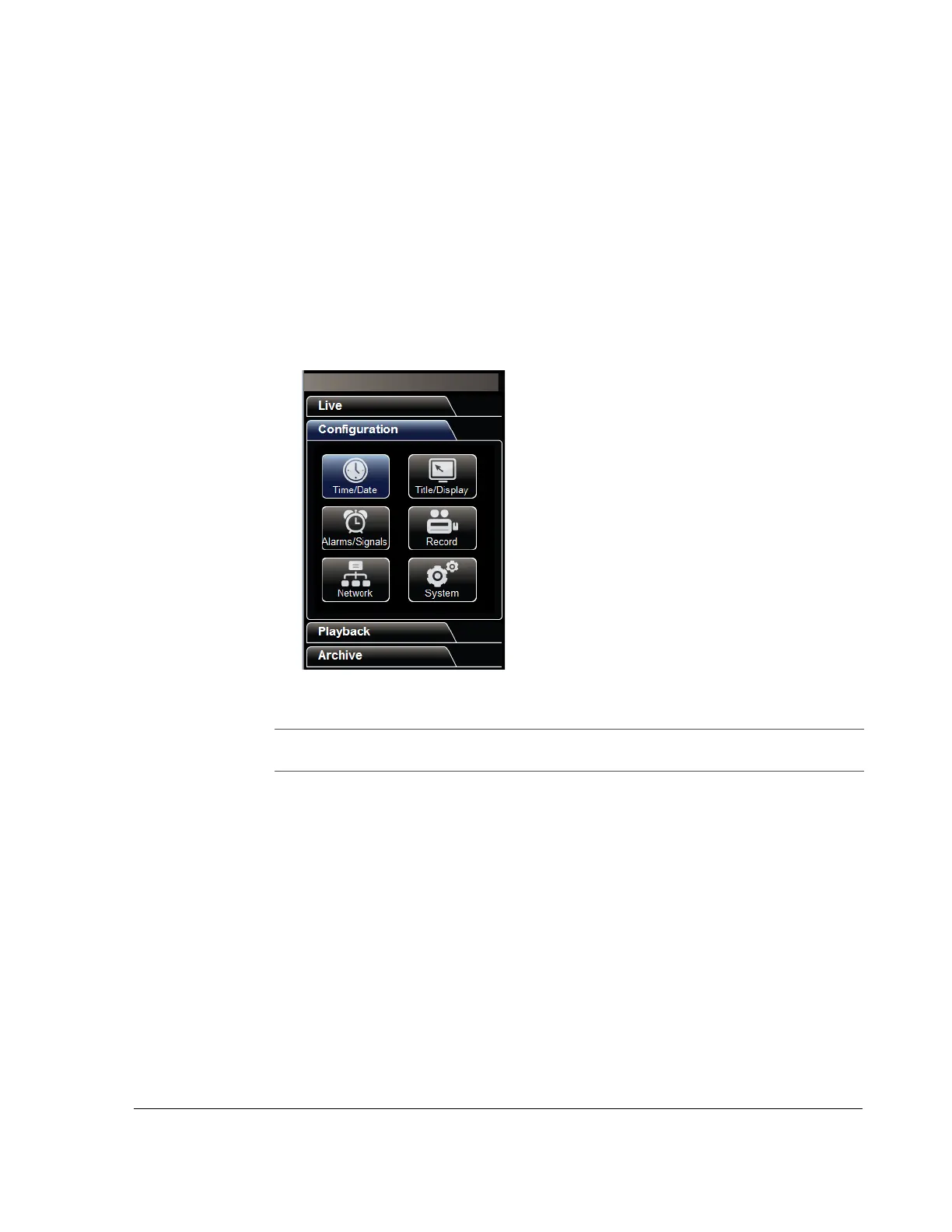
3.3.2. vMax Web Configuration Tab
The Configuration tab contains menus specific to DVR features and setting options.
Features vary depending on the DVR model used.
The vMax Web configuration menus are similar to the DVR OSD menus. See the
Trooper TL-HD DVR Install and Setup Guide, 700-1014, for specific details when
configuring DVR function settings.
Trooper TL-HD DVR setup menus include:
Figure 3-7
Configuration tab
• Time/Date
• Title/Display
• Alarms/Signals
•Record
•Network
•System
NOTE: For each menu selected and edited, click Save in each configuration menu to
save the changes before clicking on other menus.



 To Next Page